Hi adam
One of the most frequent requests we get is for faster, simpler ways to move
designs into Figma.
While our plugin handles complex imports perfectly, many of you asked for a
quicker way to move screens without breaking the flow.
Today, that feature is live.
Copy Straight to Figma
(No Plugin Needed)
You can now bypass the extra steps and move designs instantly.
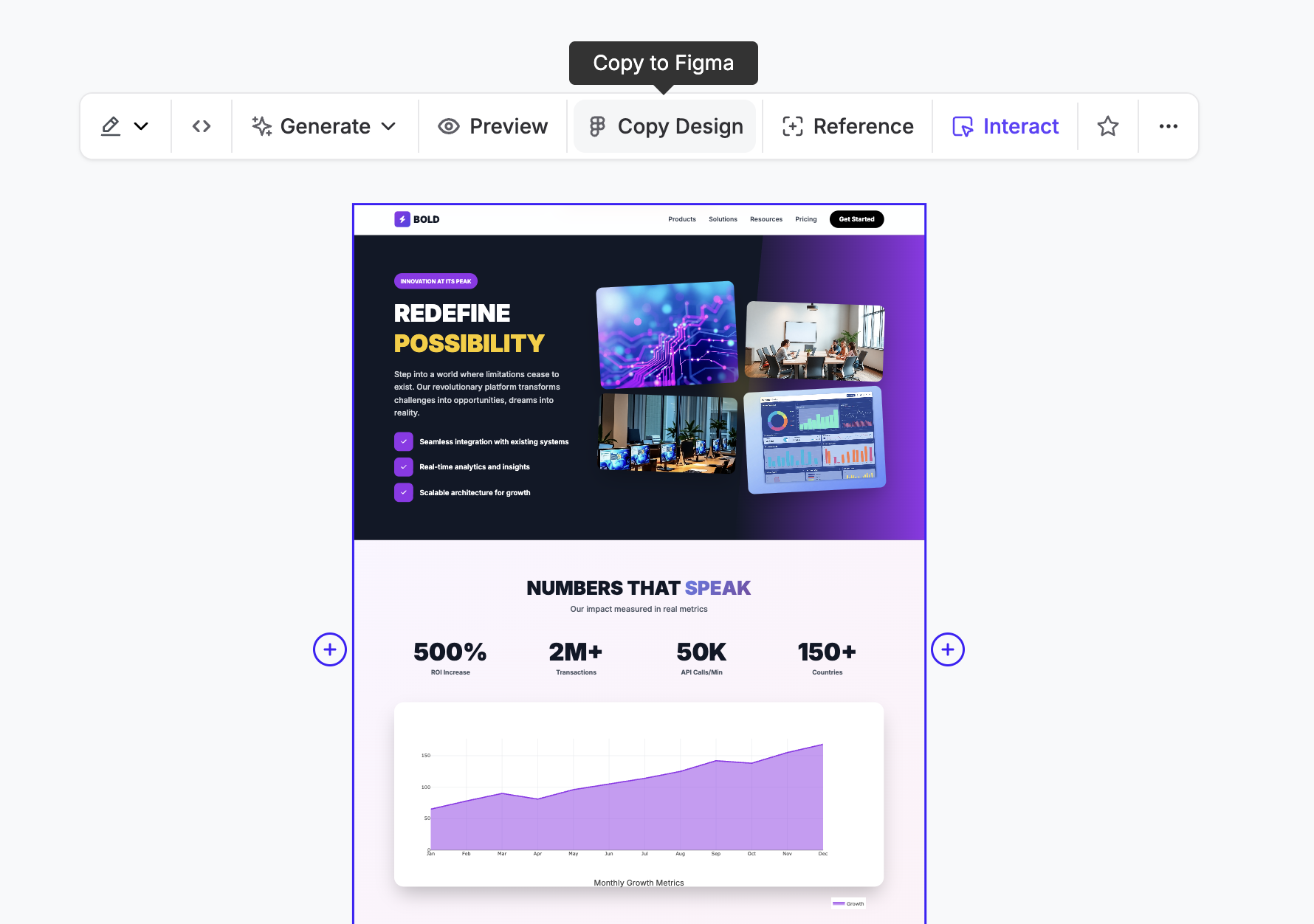
We’ve added a native "Copy to Figma" button right in the toolbar on UX Pilot,
making the handoff process as simple as a copy-paste command.
And just with that designs are pasted in Figma with auto layout, now you can
edit it freely on figma.
Checkout our YouTube
Channel
We’re coming back to push more video content, like tutorials, guides, and
creative ways to improve your workflow on how to build faster through our
YouTube
Channel.
We are curious to know what you want to see there and really open to
suggestions, so please reply and let me know.
If you want to ship modern work in 2026, you need to know where the industry is
going.
We broke down a few key visual styles and strategies you should have on your
radar: