|
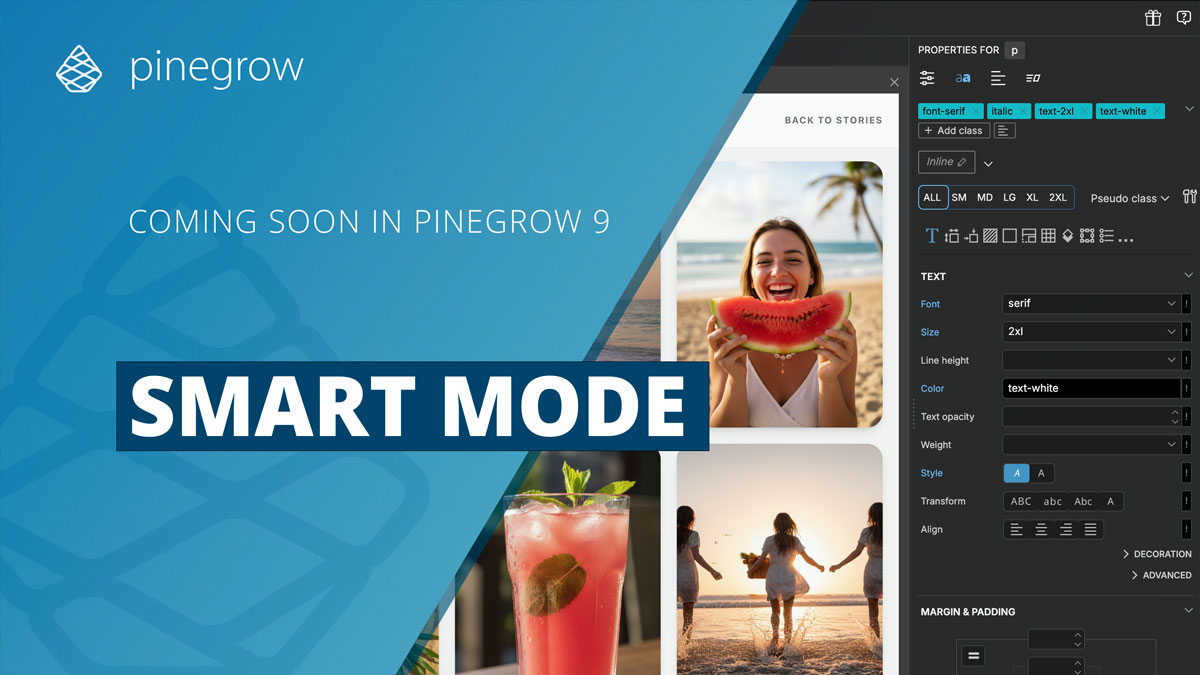
We saved the best upcoming Pinegrow 9 feature for last.
Introducing Smart mode, a simpler Pinegrow workspace:
- Organized: Left side is for project-wide tools and settings. Right side is for panels that control the currently selected element.
- Focused: The Properties panel now includes component actions. Bootstrap and Tailwind Visual Controls and Tailwind Class Inspector get their own panels.
- Adaptive: Panels appear only when they matter - Bootstrap work hides Tailwind panels, and vice versa.
- Predictable: Panels can collapse, but they don’t move, so the layout stays easy to learn.
- Your choice: Prefer the classic fully customizable workspace? It’s still there - now called Flexible mode - just one click away.
Check out Smart mode →
Pinegrow 9 Beta release is coming out in the next few days. The Thanksgiving sale is available until then.
Get 35% OFF all Pinegrow editions AND free Tailwind add-on.
Get Pinegrow for less →
If you choose a subscription plan you get to keep the special price as long as your subscription is active, not just for the first year.
For one-time-payment plans with 1 year of updates, the free Tailwind add-on will not increase the price of future renewals.
---
Have a great day!
Matjaz & the Pinegrow Team
|