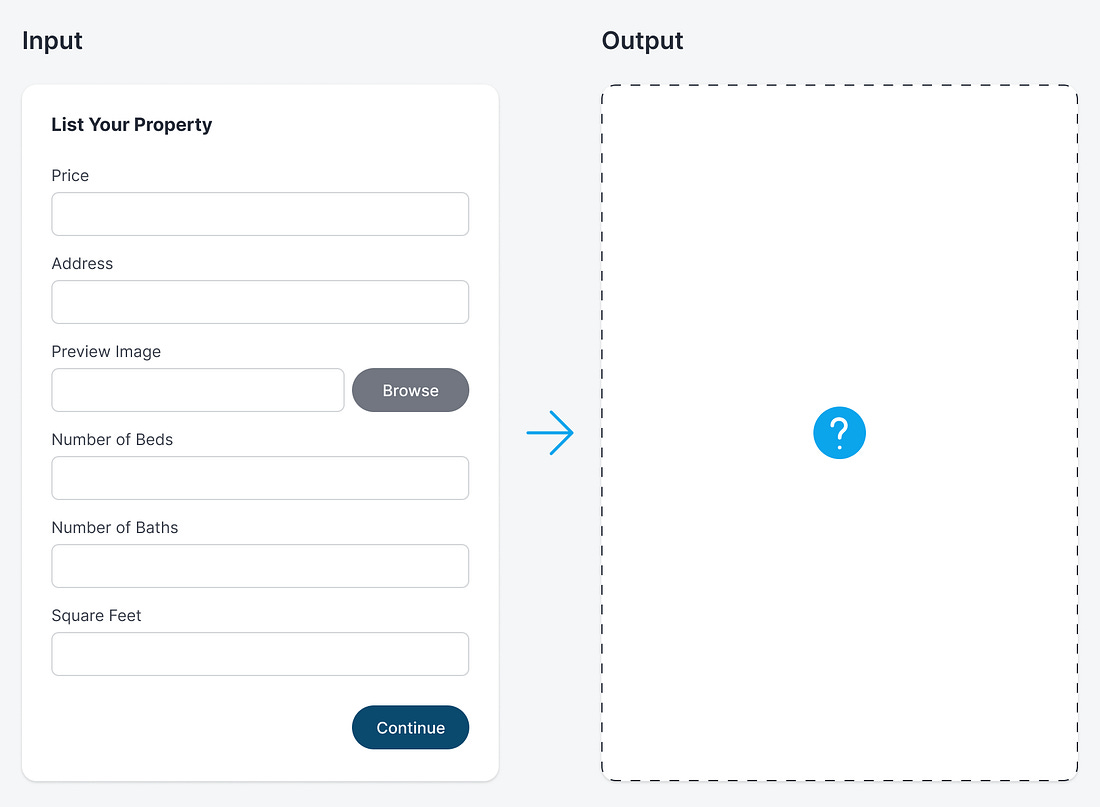
When a user submits a form, there are two possible outcomes for their input. The first sends their input privately to an administrator, while the second makes it publicly visible to others. If you’re designing a form for public visibility, it’s crucial to provide users with a preview of how the output will look.
For example, if you’re listing a property for sale, it’s important to consider the presentation, as this can influence its chances of selling. Unfortunately, most forms do not offer a preview of how the user’s input will appear when the listing goes live. Instead, users only see standard text fields without any indication of the output.