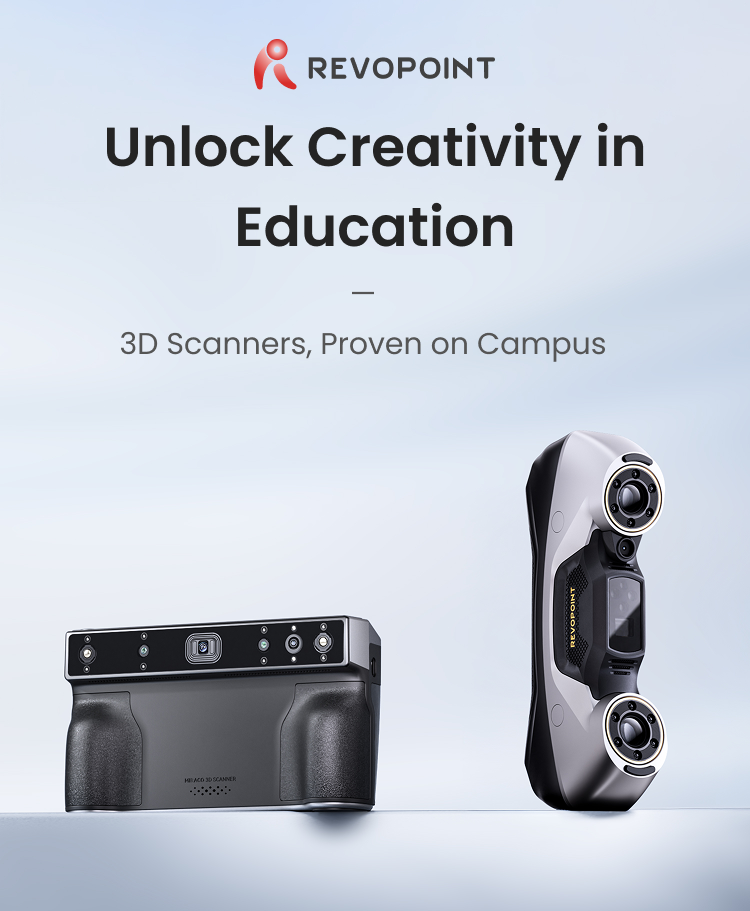
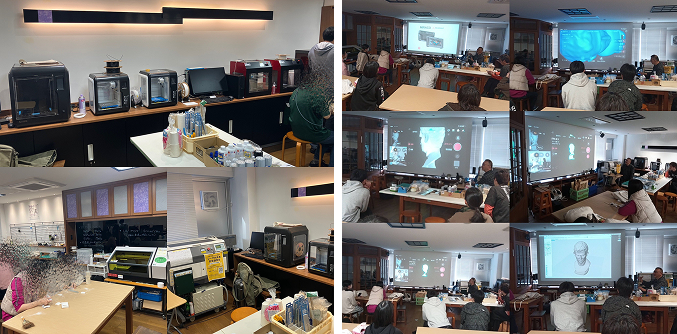
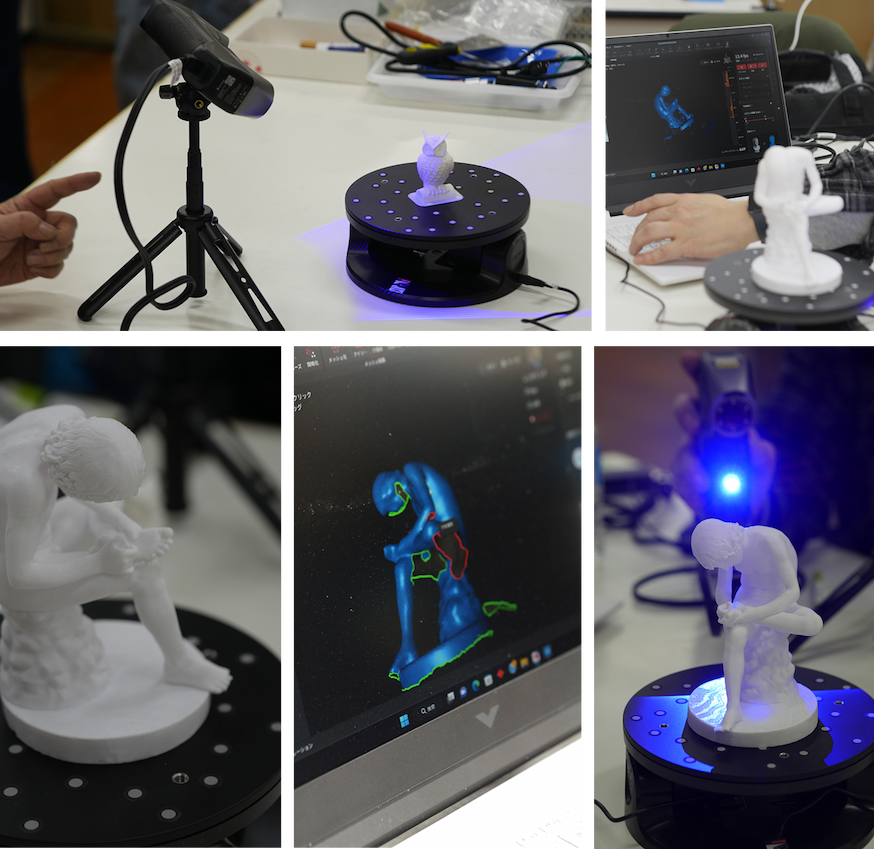
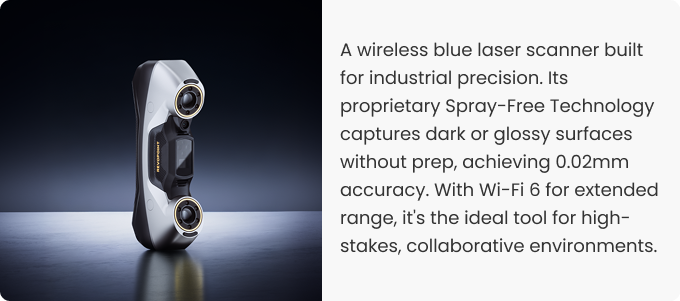
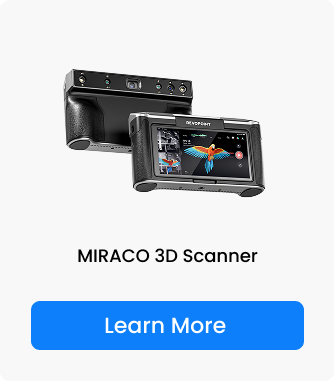
We recently hosted demonstration workshops featuring our 3D scanners, the "MIRACO" and "MetroY Pro", at the University of Tsukuba and Kyōto Seika University. The sessions were led by instructor Ryuji Oda from FULL DIMENSIONS STUDIO and combined hands-on scanning exercises with practical training.
Both events drew strong interest not only from students but also from faculty members, sparking meaningful discussions on integrating 3D digitization technology into educational curricula. The workshops served as a productive platform for dialogue about the future of digital tools in academia.
MIRACO Demonstration at Tsukuba University’s Fab Lab – Supporting First‑Time Users with Standalone Operation
From November 8th to 9th, 2025, a hands‑on seminar using MIRACO was held as part of the Information Media Creation Special Lecture at the fabrication facility “Sōbō” of Tsukuba University.
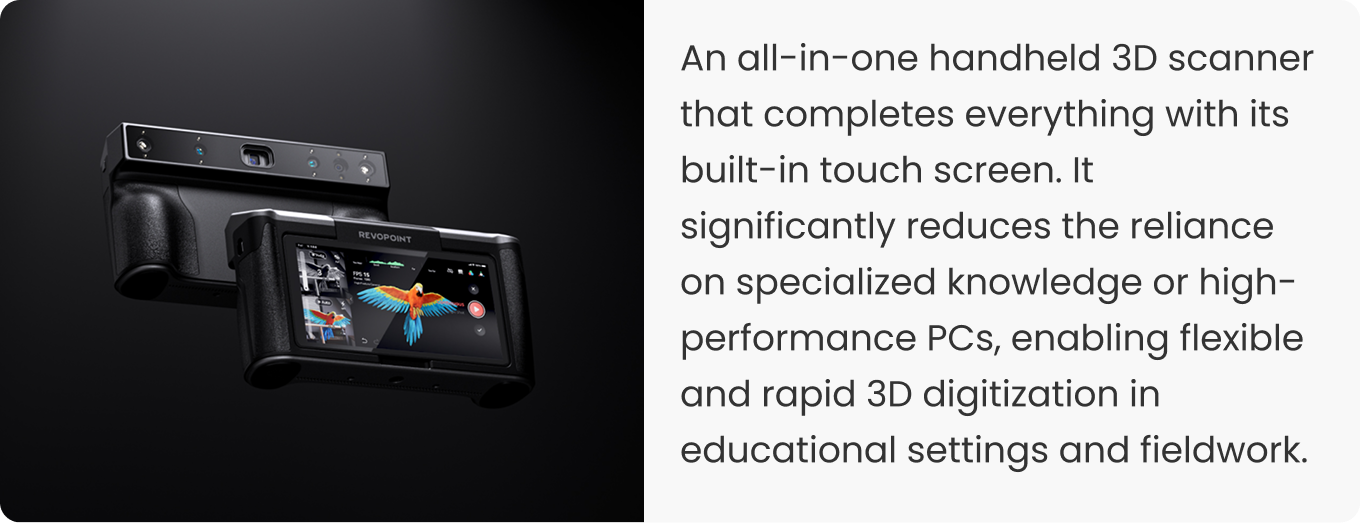
The laboratory had not previously owned a 3D scanner. The 13 participating students and professors showed particular interest in MIRACO’s standalone operability, which requires no PC and is OS‑independent.
The demonstration covered the entire workflow from scanning and light editing to importing data into CAD and ZBrush. Mr. Oda provided practical guidance, emphasizing that “understanding scanning techniques suited to the object is crucial.”
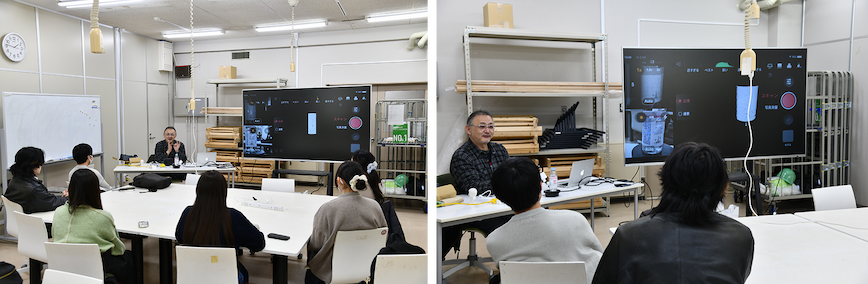
On December 12, 2025, a MIRACO demonstration was conducted during a practical class in the Living Design Department of Kyōto Seika University. Since the department had not yet introduced a 3D scanner, there was considerable interest in the device.
As all participating students were Mac users, data was transferred to a MacBook Pro for hands-on experience, from scanning to light editing in modeling software. Many students expressed surprise at the convenience of completing the entire process using only the scanner itself.
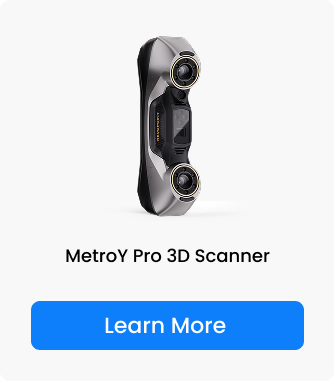
On January 7th, 2026, a demo of the advanced model MetroY Pro was conducted for the same department, with multiple faculty members joining an active Q&A session.
While the MetroY Pro requires a PC connection, it stands out for its ability to save projects after scanning and continue editing on a different computer. Faculty members shared positive feedback, noting that "the MetroY Pro's efficient workflow is ideal for use by a large number of students."
MetroY Pro 3D Scanner
Conclusion & Outlook: Two Choices to Empower Creativity in Education
These activities clarified two distinct needs in educational settings: "ease of introduction for getting started quickly" (MIRACO) and "efficiency in shared use for advanced projects" (MetroY Pro). Mr. Oda concluded, "I believe both have the potential to be powerful tools that unlock creativity in academic teaching and research." We remain committed to providing and supporting optimal 3D digitization solutions for educational and research institutions.