
|
|
Software has long been interactive—we pinch, tap, and swipe every day. Now, it's also intelligent. It's not only integrated into our daily lives—it's learning from and responding to us in real time.
This month's updates are all about how Figma uses this intelligence to adapt to your workflows, connecting to the ways you already design, code, and create.
|
|
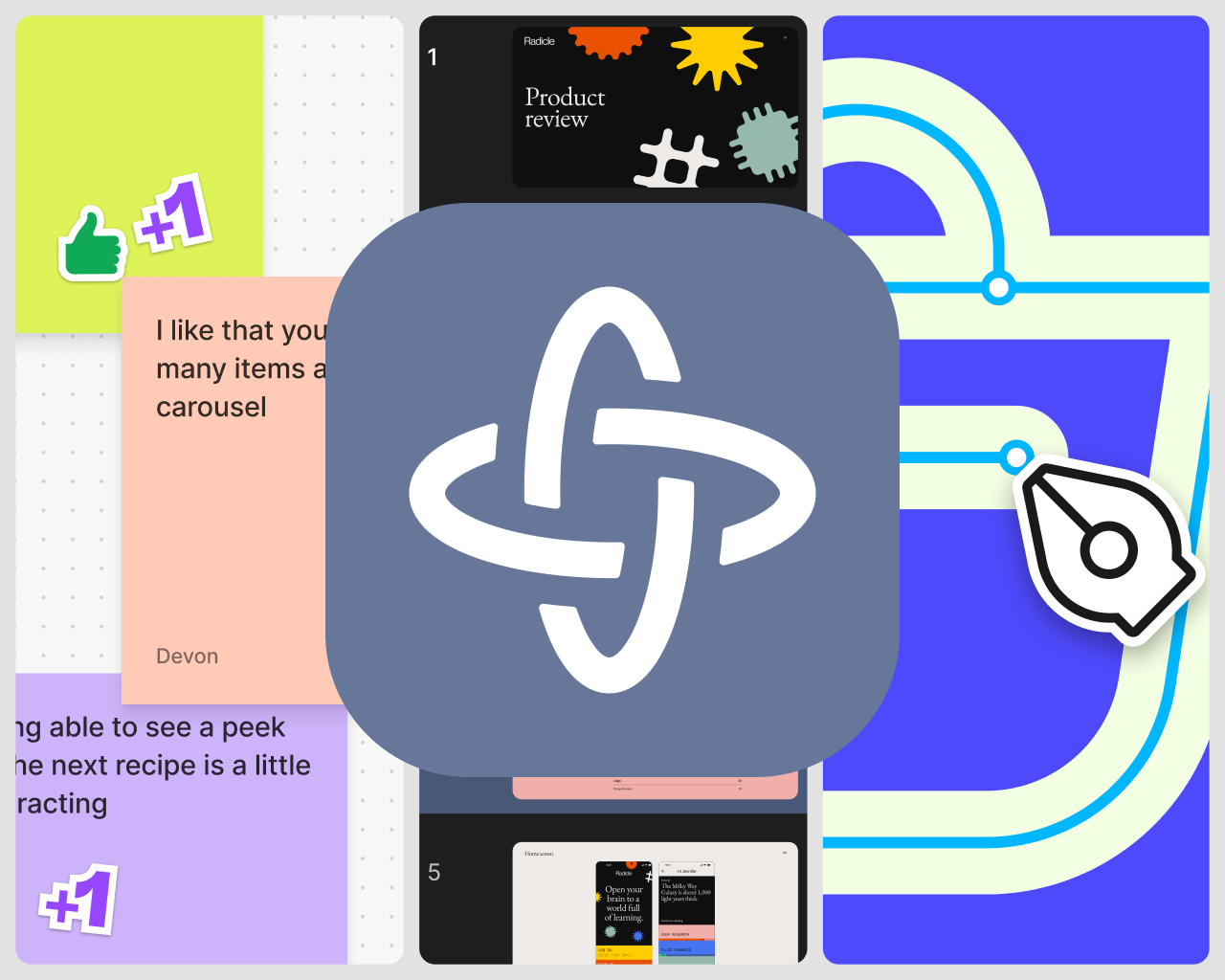
Embed Makes in your Figma files
|
|
Drop Figma Make prototypes directly into Figma Design, FigJam, and Figma Slides, making it easier to align on a product direction and share feedback.
|
|
Learn more →
|
|
|
|
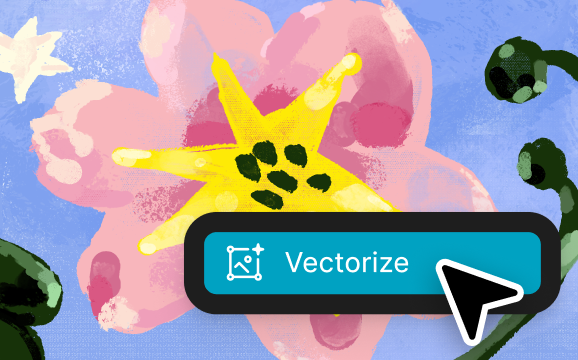
Turn anything into a vector
|
|
Start from a hand-drawn illustration, photo, or text, then vectorize to add even more expression. Polish your designs with image-editing tools like multi-vector editing, lasso, and color reduction.
|
|
Learn more →
|
|
|
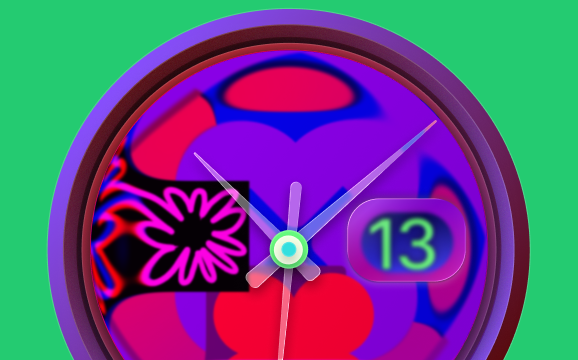
A glass act
|
|
Apply the Glass effect across your designs. Get the details right with non-uniform corner rounding, control how light refracts using Splay, and bind variables to Glass properties to switch themes instantly.
|
|
Try it out →
|
|
|
|
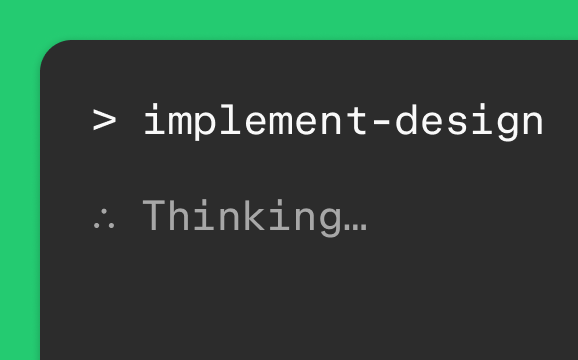
Teach agents to use the Figma MCP server
|
|
Apply Claude Skills, Codex Skills, and Kiro powers to guide coding agents through Figma workflows—from connecting code components and generating design system rules to implementing designs.
|
|
Learn more →
|
|
|
Access design system code with npm packages
|
|
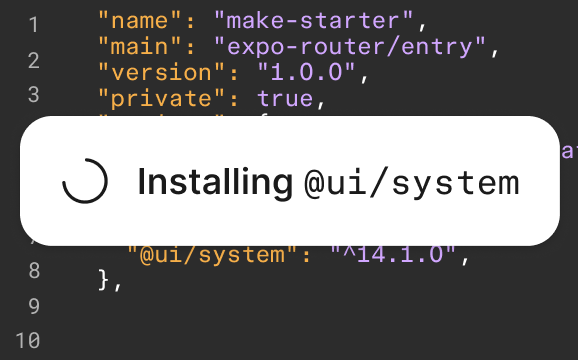
Import public or private npm packages into Figma Make. Align your prototypes with your product code and achieve consistent builds that use the same React codebase as your applications.
|
|
Learn more →
|
|
|
New ways to connect
|

|
FigJam diagramming in Claude
|
|
Claude turns conversations into editable FigJam files.
|
|
Learn more →
|
|
|

|
Figma notifications in Google Chat
|
|
Get Google Chat alerts for Figma comments and attachments.
|
|
Learn more →
|
|
|
|
|
|
|
| Figma is a design platform for teams who build products together. Born on the Web, Figma helps the entire product team create, test, and ship better designs, faster. |
|
| | | | | |