|
Hi Hope you’re doing well. Before I share some awesome Power BI tricks with you, just a quick reminder…
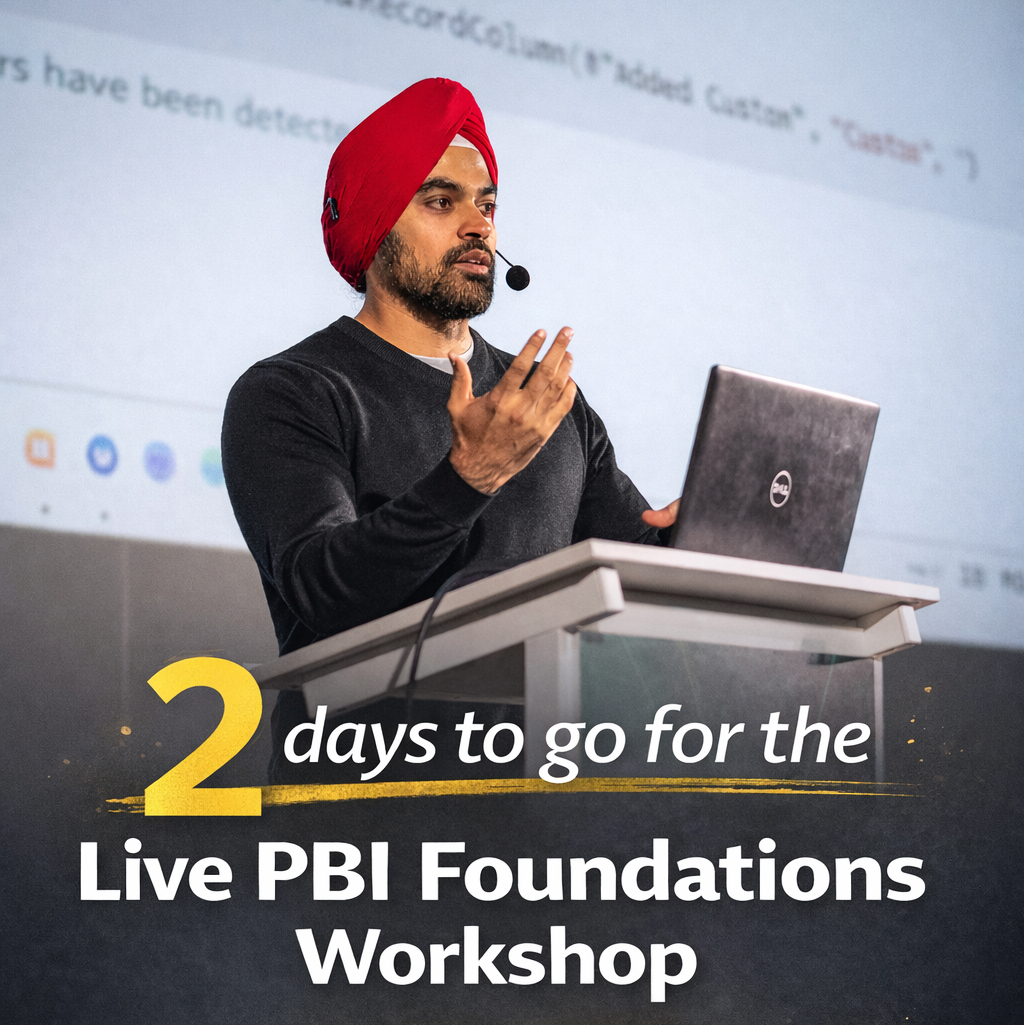
The Power BI Foundations Workshop is happening in just 2 days... In case you still don’t know, I’m going live on 21st Feb at 8:30 PM IST to show you how to learn Power BI the right way. Not just how to build reports, but how real data models are designed inside companies. I’ll also walk you through actual consulting project examples so you can see how everything works in the real world.
If you’re still not convinced, let me give you 3 more reasons to join me live -
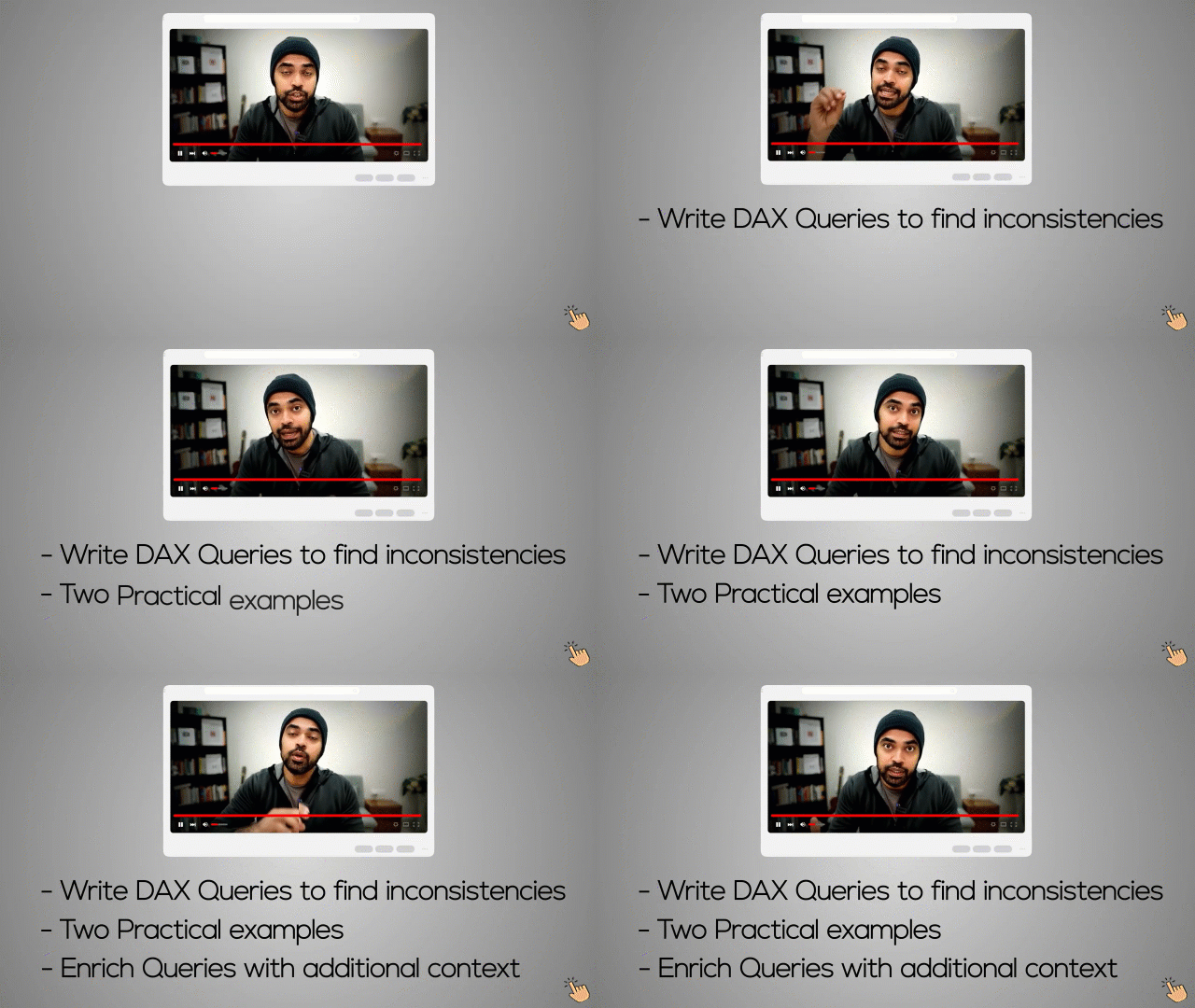
4 Essential Queries Every Power BI Developer Should Know If you’ve ever built a model that looked fine but later showed blanks, mismatched totals, or strange results in visuals… this video is for you. In this video, I walk through 4 highly practical DAX queries that help you spot inconsistencies directly inside your model. You’ll see how to detect duplicate values, check referential integrity, and extract missing dimension members, all without adding unnecessary columns to your tables I also show how to enrich those queries with extra context like sales rows, last transaction date, and total sales, so you don’t just find the issue, you understand it. If you’ve never used DAX Query View before, this will open up a completely new way of debugging and validating your Power BI models.
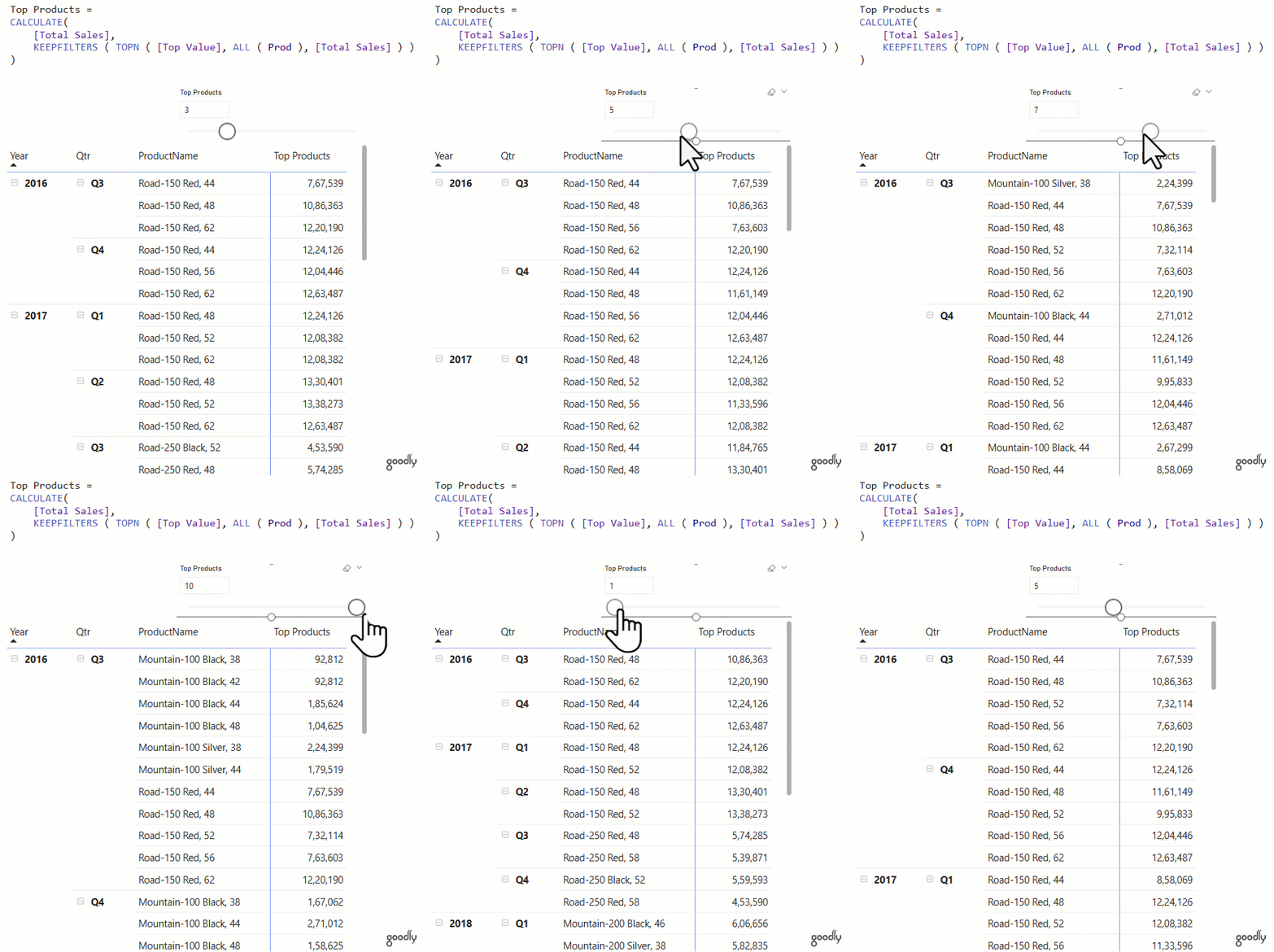
Let Your Users Choose the Top N
Instead of hardcoding your
report to “Top 5” or “Top 10”, let the user decide.
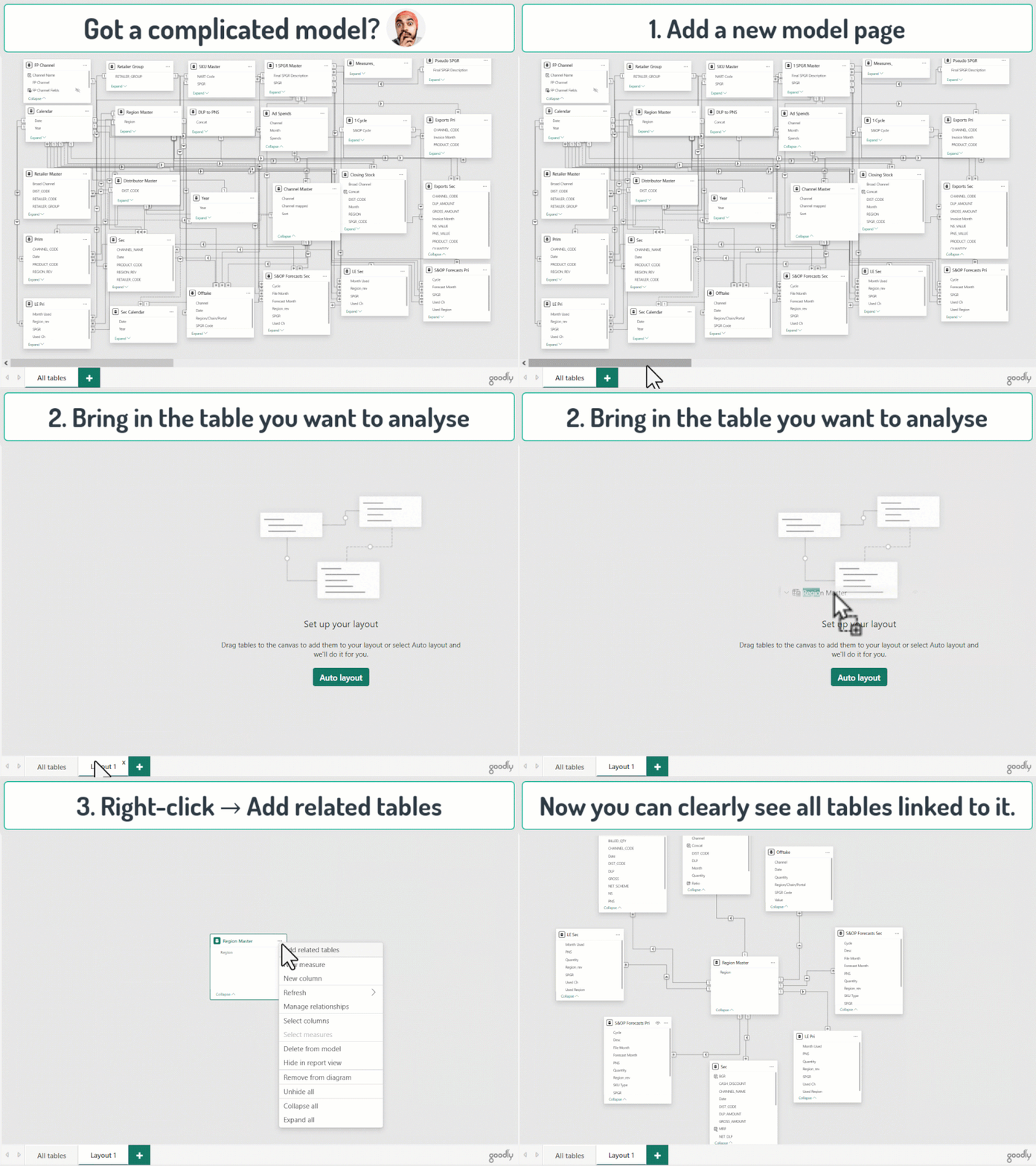
Feeling Lost in a Complicated Model?
If your model looks like spaghetti and you’re not sure what connects to
what…
Goodly Insider is growing… and I love what’s happening inside
I was scrolling through the
community the other day and just paused for a second.
Power BI can feel lonely sometimes. You’re stuck with a model, a DAX formula, or a weird data issue… and there’s no one to bounce ideas off. Inside the community, you’re surrounded by people who are on the same journey. Some slightly ahead of you. Some figuring it out alongside you. All serious about getting better. If you want to learn Power BI with people who genuinely care about improving, I’d love to welcome you inside.
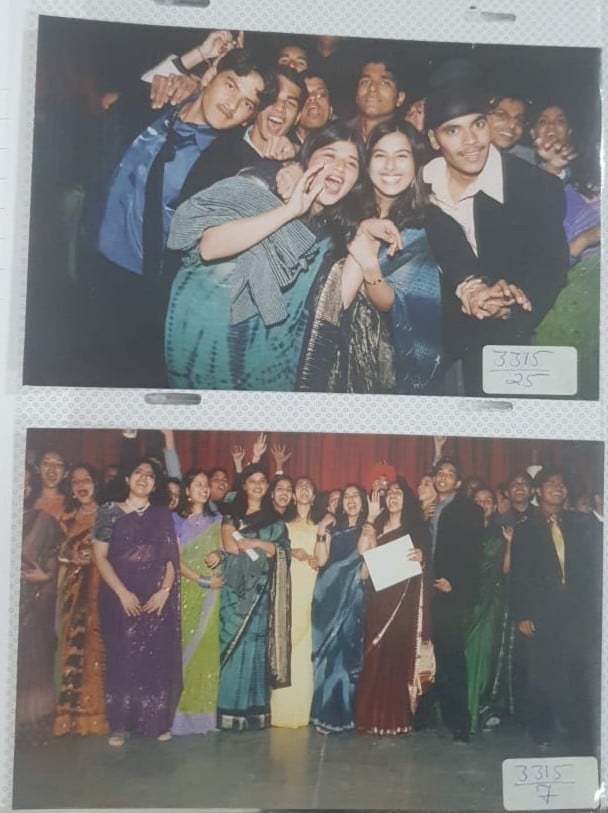
While going through some old albums… look what I found. These are almost 20 years old. It was our last day of school. So much noise, so many dreams, and absolutely no clue what life had planned next. Crazy how time moves… but the memories still feel fresh.
Guess where I am in this picture? |