To help protect yourself from phishing attacks, we recommend the following precautions:
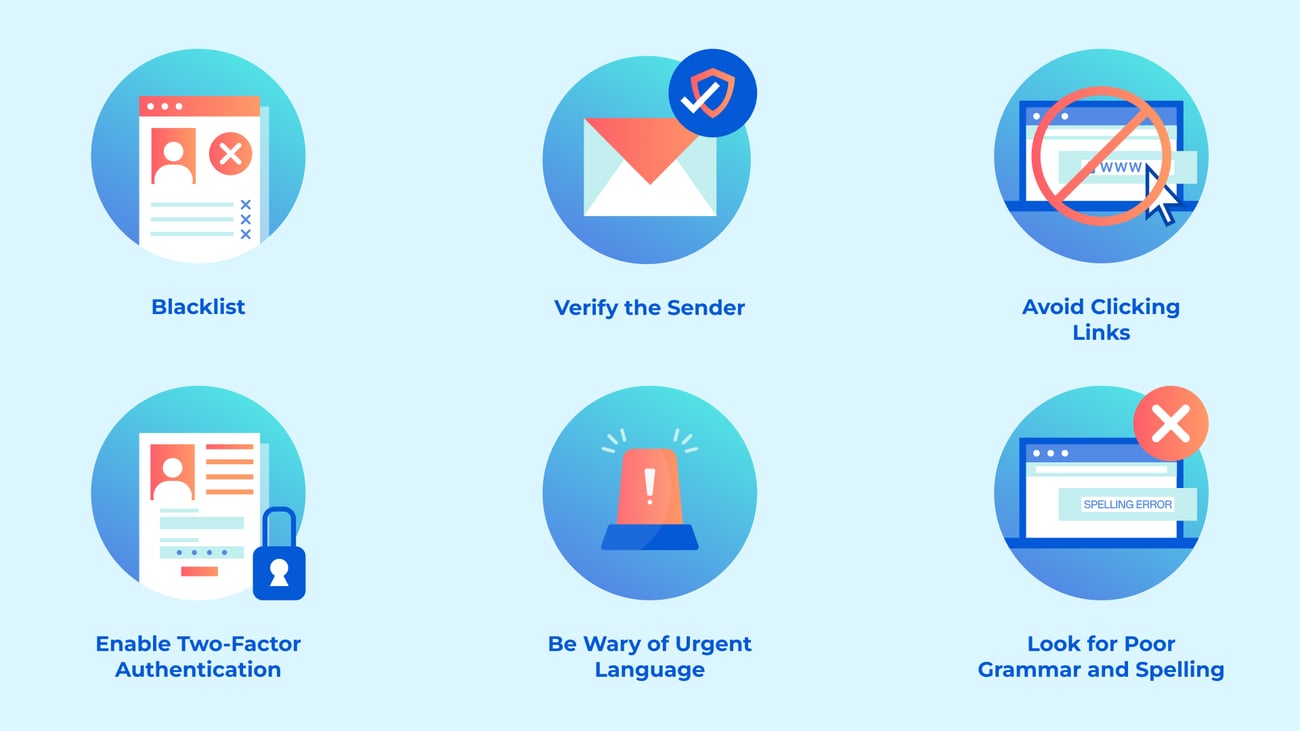
Verify the Sender: Always check the sender's email address carefully. Phishing emails often come from addresses that look similar to legitimate ones but may have slight differences. If in doubt, contact the organization directly using official contact information found on their website.
Avoid Clicking Links: Instead of clicking on links in emails, manually type the website address into your browser. Phishing emails often contain malicious links that can lead to fake websites designed to steal your information.
Enable Two-Factor Authentication (2FA): Whenever possible, enable 2FA on your accounts. This adds an extra layer of security by requiring not only your password but also a second form of verification, such as a code sent to your phone.
Be Wary of Urgent Language: Phishing emails often create a sense of urgency to provoke immediate action. If an email claims you must act quickly, take a moment to verify its legitimacy before responding.
Look for Poor Grammar and Spelling: Many phishing emails contain spelling and grammatical errors. If an email seems unprofessional or poorly written, it’s likely a scam.
Educate Yourself About Common Tactics: Familiarize yourself with the common tactics used by scammers, such as impersonating legitimate organizations, creating fake websites, or offering unrealistic deals.
One of the incredible benefits of owning a Deeper Connect device is that you can increase your safety before these attempts come up, by implementing a blacklist into your home network. This will make sure you are never allowed to access harmful or malicious websites where you can easily get your personal information stolen. We recommend adding the following into your blacklist in AtomOS to ensure even more protection and safety:
bling.com.br
deeper-network.sbs
https://34-34-deeper-network.icu/login/index.html
https://c4abs731.caspio.com/dp/9d74e0000fc3a9dee7244fbca4c9
34-34-deeper-network-icu
c4abs731.caspio.com
|