|
|
|
| |
introducing
|
| |
Redshift for ARCHVIZ
|
| |
|
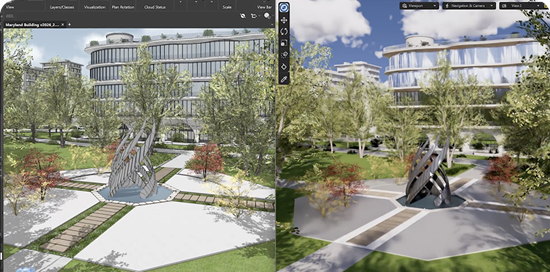
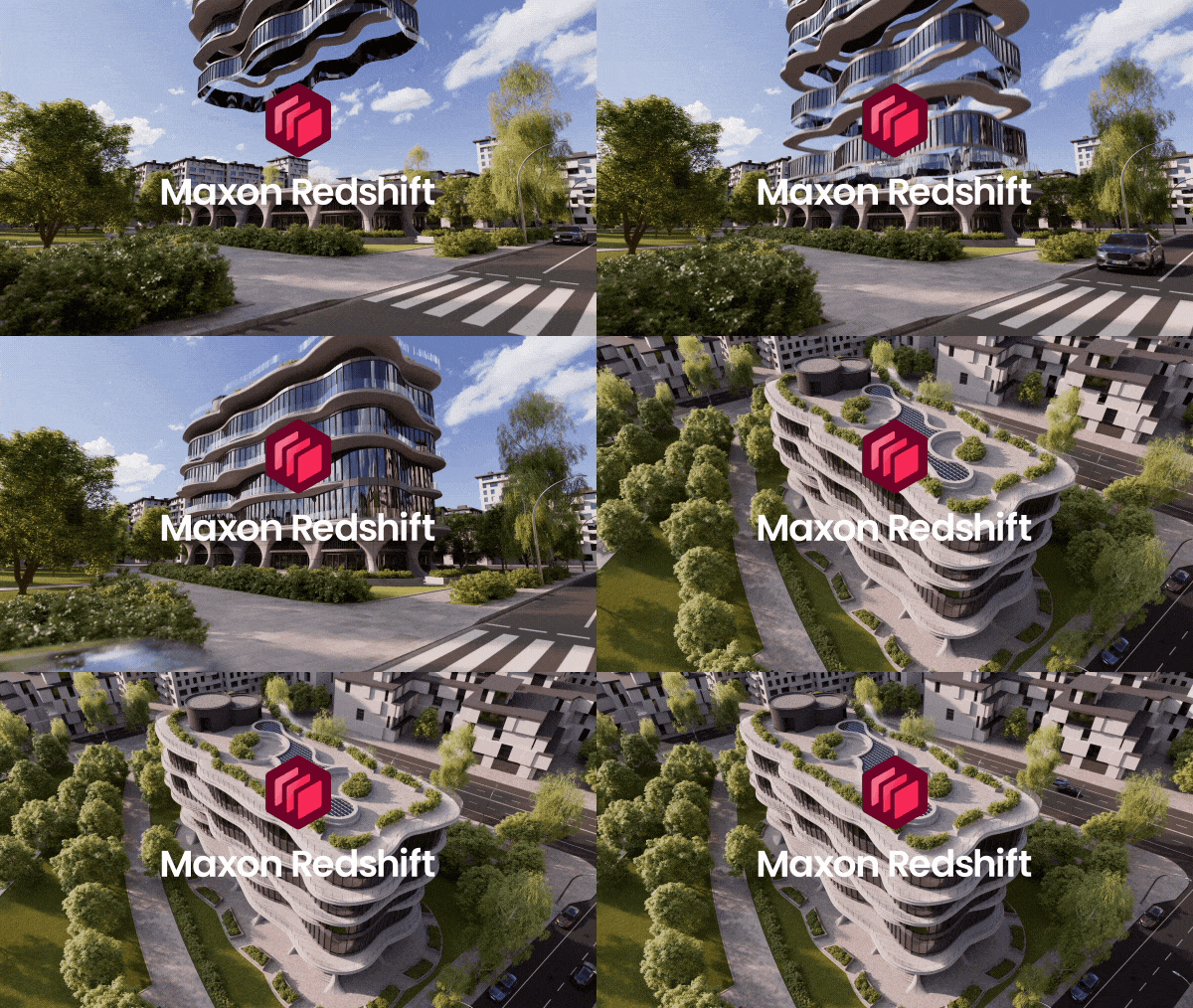
Maxon Redshift delivers real-time visualization that streamlines the architectural design workflow by integrating directly with BIM tools like Vectorworks, allowing users to instantly preview, refine, and render their architectural models with cinematic quality—all in a single, seamless environment. With support for Mac and Windows.
|
| |
|
|
|
|
|
|
|
| |
|
|
| |
| |
| |
Design in real-time
|
| |
|
Walk through your design as it evolves, with physically accurate light, shadows, and materials responding in real time. Perfect for fast decisions, fluid design exploration, and client presentations that feel more like an experience than a review.
|
| |
|
|
|
|
|
|
|
|
| |
|
|
| |
| |
| |
adjust the time of day
|
| |
|
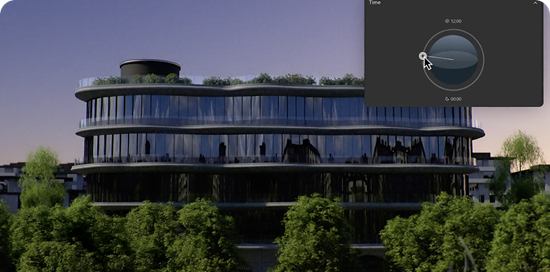
Redshift respects the real-world time of day and GPS data saved in your Vectorworks project. But creativity doesn’t have to stick to the clock. Shift from morning light to golden hour to dusk and instantly see how sunlight, shadows, and sky transform your design.
|
| |
|
|
|
|
|
|
|
|
| |
|
|
| |
| |
| |
CLEAR SKIES, CLOUDS, & EVERYTHING IN BETWEEN
|
| |
|
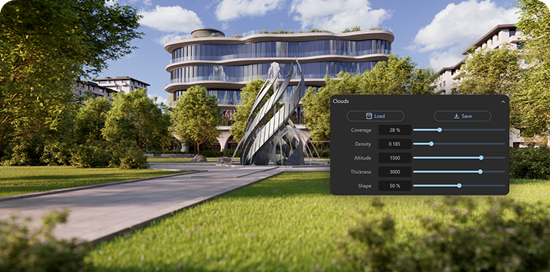
From clear blue skies to soft overcast light, Redshift lets you dial in cloud coverage and atmosphere with precision. See how subtle changes affect contrast, shadow softness, and emotional tone to add realism and intent to every render.
|
| |
|
|
|
|
|
|
|
|
| |
|
|
| |
| |
| |
EVer-Expanding asset library
|
| |
|
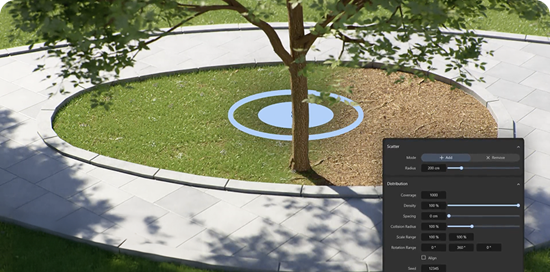
Using our integrated asset library, quickly furnish interiors and exteriors with high-quality assets to enhance your architectural renderings with cinematic detail. The ever-growing library offers a drag-and-drop ready assortment of furniture, vehicles, realistic plants, and people that easily snap into place and interact naturally with surfaces.
|
| |
|
|
|
|
|
|
|
|
| |
|
|
| |
| |
| |
Choose from Realistic materials
|
| |
|
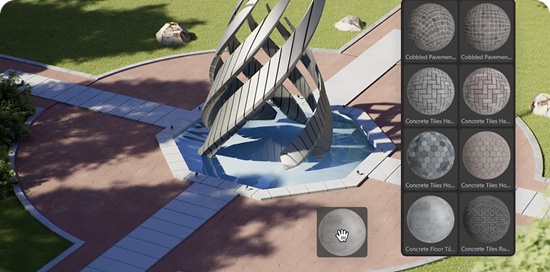
Choose from a rich collection of physically accurate materials, from concrete and metal to glass, wood, and textiles. Each reacts naturally to light and environment, to bring your designs to life. Apply, adjust, and preview everything live until it feels just right.
|
| |
|
|
|
|
|
|
|
|
| |
|
|
| |
| |
| |
CREATE CINEMATIC RENDERS
|
| |
|
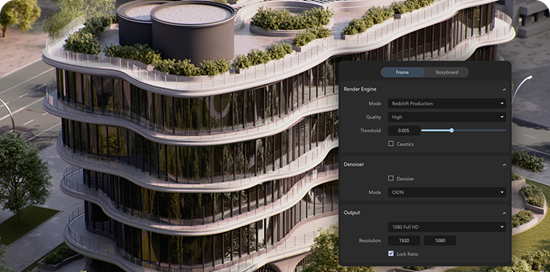
Work interactively with real-time previews, then create high-quality renders using the same scene, lighting, and materials. Redshift keeps everything unified, so polished visuals are simply the next step, not a separate workflow.
|
| |
|
|
|
|
|
|
|
|
| |
|
|
| |
| |
| |
Go further in Maxon Cinema 4D
|
| |
|
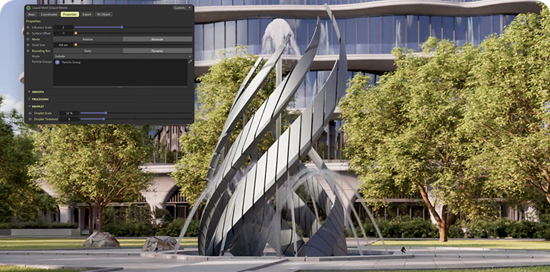
When it’s time for animation, simulations, or advanced polish, export your project directly to Cinema 4D. Materials, lighting, and assets carry over intact, giving you access to cinematic control and tools for even more impactful walkthroughs, stills, and animations with studio-quality finish.
|
| |
|
|
|
|
|
|
|
|
| |
|
|
| |
| |
| |
Get Started today
|
| |
|
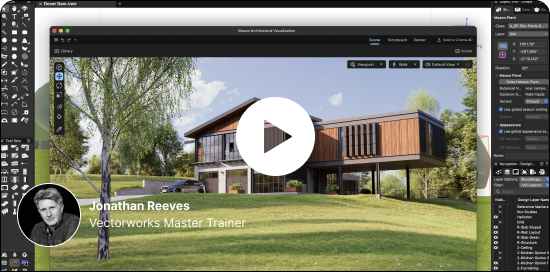
Our getting-started training series for Maxon Redshift and Vectorworks helps you build confidence fast. This short, focused lessons guide you through real-time previews, lighting, materials, assets, and rendering, so you can start creating beautiful visuals right away.
|
| |
|
|
| |
|
|
|
|
|
|
|
|
| |

|
|
| | | |
| |
FOLLOW US!
|
|
|
|


|
| | | |
| |
Maxon Computer GmbH
Basler Str. 5
61352 Bad Homburg vor der Höhe, DE
|
|
| | | |
| |
THIS EMAIL WAS SENT TO
nie@niepodam.pl
|
|
| | | |
| |
|
|
| | | |
|
|