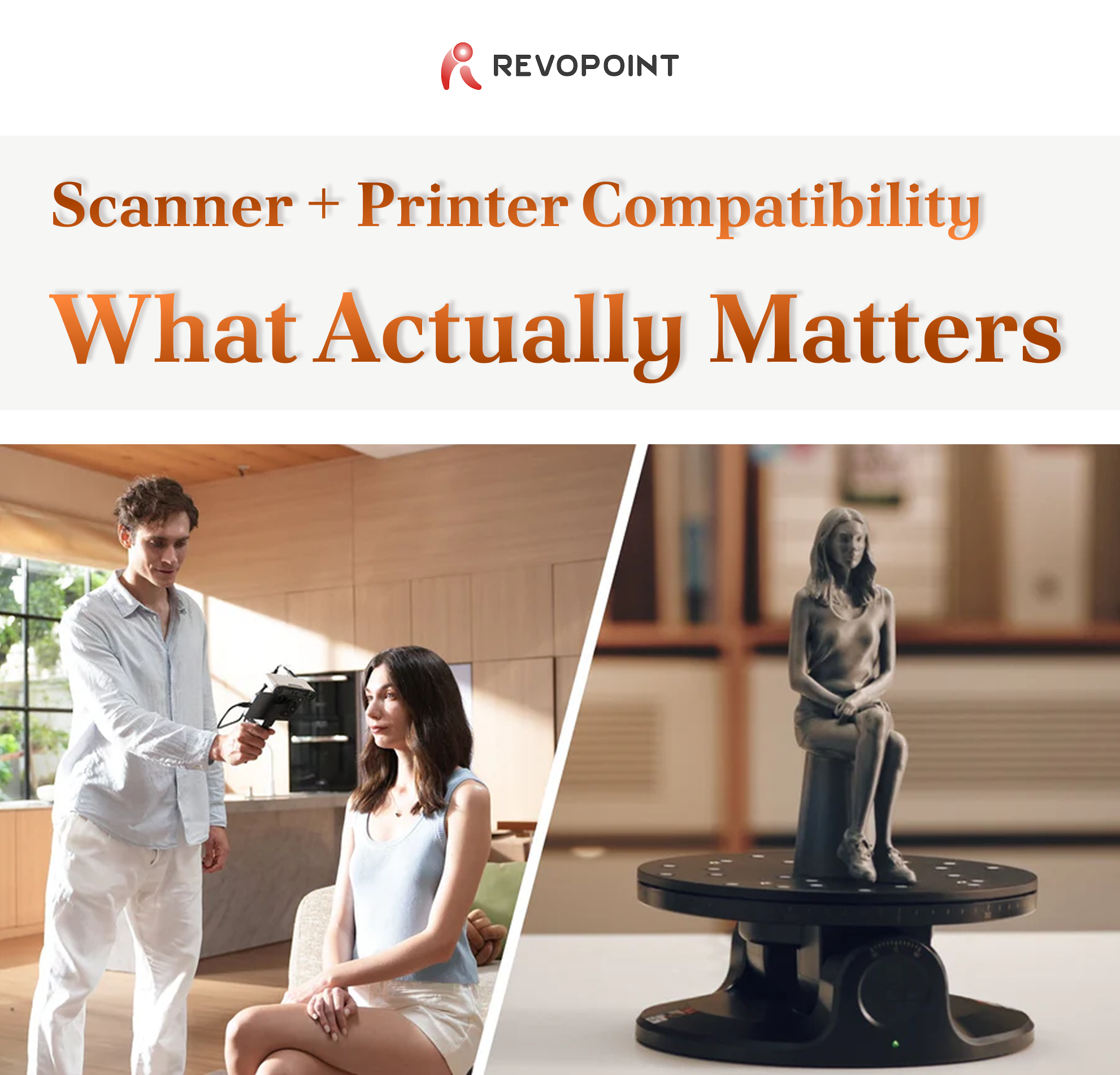
Print failures—poor fit, distorted geometry, missing detail—usually trace back to the scan, not the printer. A model that looks acceptable on screen can carry hidden scale drift or surface corruption that only appears after slicing.
Choosing a 3D scanner that truly works with your printer means understanding how scan data behaves across the entire workflow, from capture to final output.
|
|
▮ Why Compatibility Determines Print Success
|
|
Compatibility isn't a single specification. It's the ability of a scanner to consistently produce data that downstream tools can interpret correctly.
In practical terms, compatibility means:
• Geometry imports cleanly into CAD and slicers
• Units and scale remain consistent from scan to print
• Meshes are watertight or require minimal repair
• Details survive slicing and printing
When these conditions are met, scanning for printing becomes predictable instead of corrective.
|
|
▮ Capture Quality and Printed Results
|
|
During capture, two characteristics matter most: dimensional accuracy and usable resolution.
Accuracy controls whether parts fit. For functional parts like brackets or replacements, minor deviations cause assemblies to fail even if surfaces look smooth. Resolution controls whether surfaces print cleanly. For figurines or art objects, surface continuity matters more than tight tolerances.
Your choice depends on what you're printing, not just the printer itself.
|
|
▮ How Scanning Technology Translates to Printing
|
|
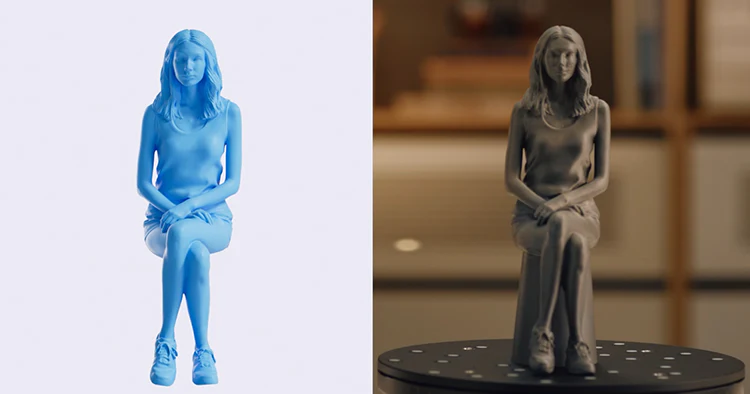
Structured light scanning captures organic shapes efficiently and produces smooth meshes that slice well—ideal for figurines and artistic objects. Limitations appear with dark, shiny, or low-texture materials.
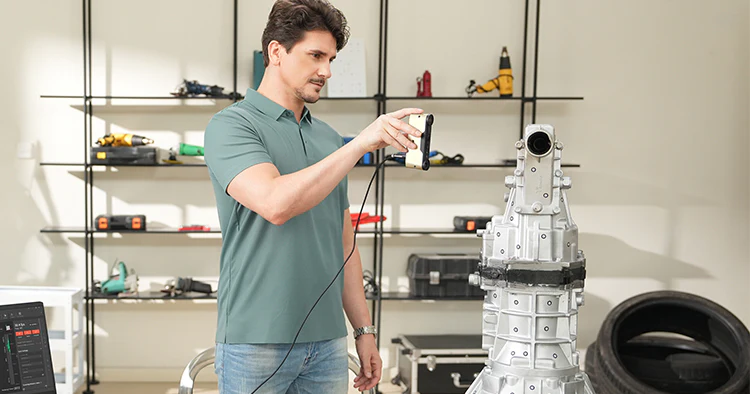
Laser and hybrid scanners handle industrial surfaces more reliably. They excel at reverse engineering, mechanical parts, and darker materials where edge clarity is critical.
|
|
Accuracy numbers are often misunderstood. Quoted values may refer to single-frame accuracy rather than full-object consistency.
For 3D printing:
• Visual models tolerate sub-millimeter variation
• Functional prototypes often require around 0.1 mm accuracy
• Replacement parts may demand tighter control
A scanner with stable tracking across a full scan often produces better prints than one with impressive specs but inconsistent reconstruction.
|
|
▮ Tracking Stability Matters
|
|
Tracking errors are a common cause of print failure. Drift, double surfaces, and warped geometry may not be obvious until the model is measured or assembled.
Modern scanners mitigate this with multiple tracking modes. The ability to switch based on object geometry is especially important for symmetrical or featureless parts.
|
|
▮ File Formats and Software Compatibility
|
|
STL remains the most widely supported format for slicing. OBJ and PLY work when color or high-density data is needed. 3MF is increasingly popular for preserving scale and metadata.
A compatible scanner exports standard formats cleanly, without hidden unit conversions or non-manifold geometry. This reduces reliance on repair tools.
|
|
▮ Revopoint Recommendations for 3D Printing
|
|
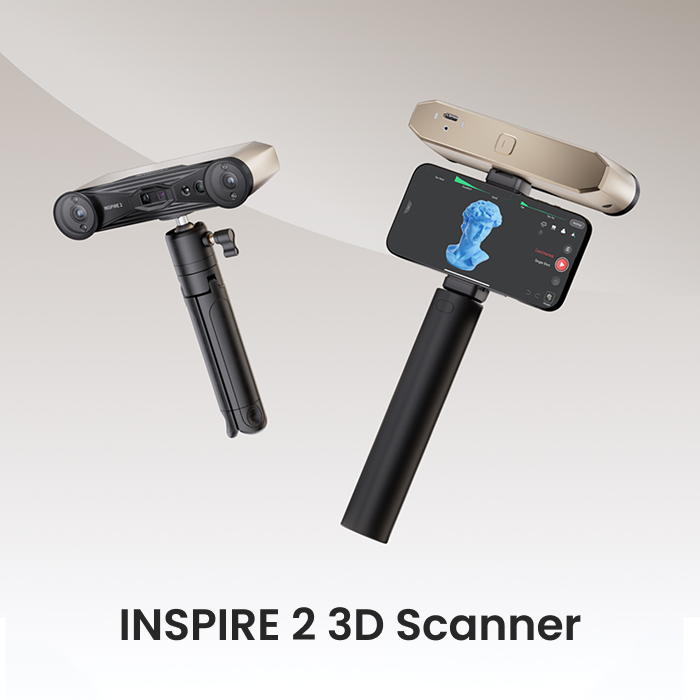
INSPIRE 2 works well for functional parts and mixed materials. Its dual-mode system supports both structured light and laser scanning, improving reliability on dark or reflective surfaces.
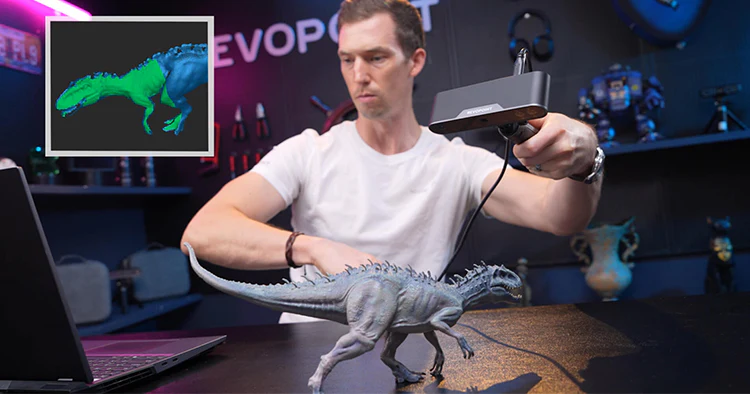
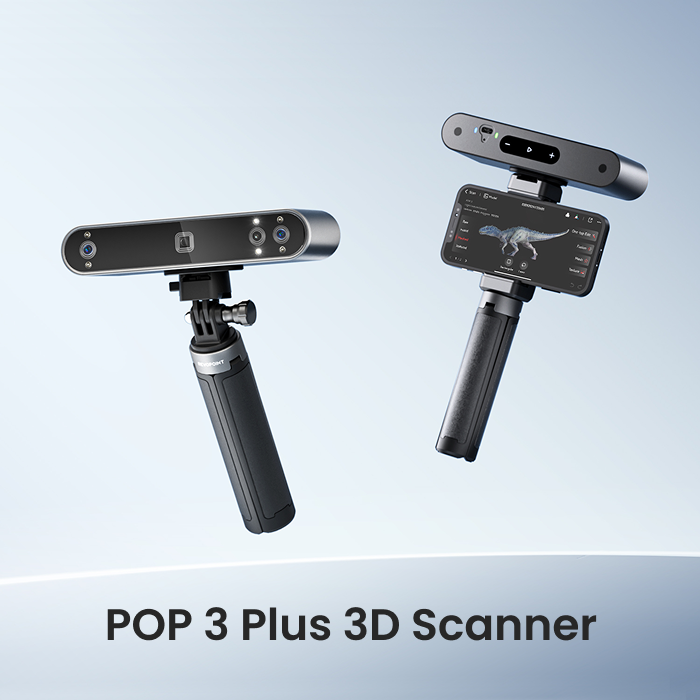
POP 3 Plus suits medium-sized objects, organic forms, and creative models where surface detail matters. Its stability makes it practical for rapid scan-to-print workflows.
|
|
|
|
|