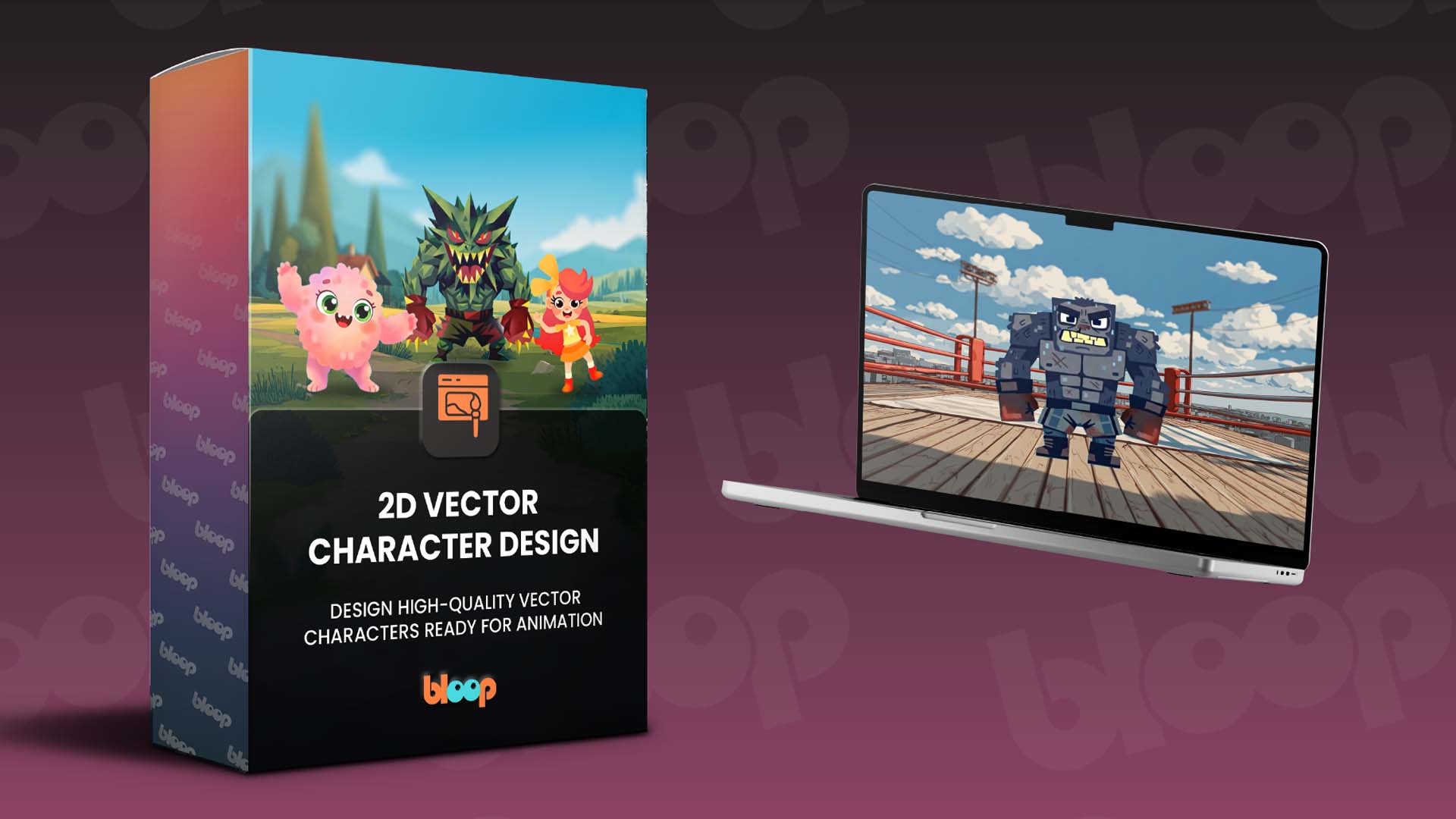
Want to learn more about our 2D Vector Character Design course?
Here’s what you will find in the course:
- We cover the complete character design workflow from sketch to animation-ready artwork
- Step-by-step lessons using essential Illustrator tools like the Pen Tool, Shape Builder, and Pathfinder
- It walks you through creating a professional character model sheet with multiple views and expressions
Reminder: the launch price ($67) only lasts until Friday, April 3rd at 11:59 PM ET! After that, the price goes up to $97 and stays there.
Use coupon code Bloop2D at checkout.
Get it here → 2D Vector Character Design
I know you might have a few questions about 2D Vector Character Design, so let's answer some of the big ones:
Do I need advanced drawing skills?
No, this course is beginner-friendly. You only need a simple sketch to start. We'll guide you through each step so you can turn rough ideas into polished vector artwork.
What software do I need?
All you need is Adobe Illustrator and a computer capable of running it. We'll walk you through the essential tools and techniques step-by-step, so even if you're new to Illustrator, you can follow along confidently.
What will I create during the course?
You'll design a complete 2D vector character from start to finish. This includes building clean vector artwork, choosing colors, creating a professional model sheet, and organizing your character into layers ready for animation.
How is the course taught?
Through clear, bite-sized video lessons you can watch anytime. All lessons are pre-recorded, so you can learn at your own pace. Pause, rewind, or binge, it’s entirely up to you.
As always, if you have the All-Access Pass, the course should now be synced to your account on page 8. It can take a little bit of time, so please bear with us as we update your account. |