 |
| |
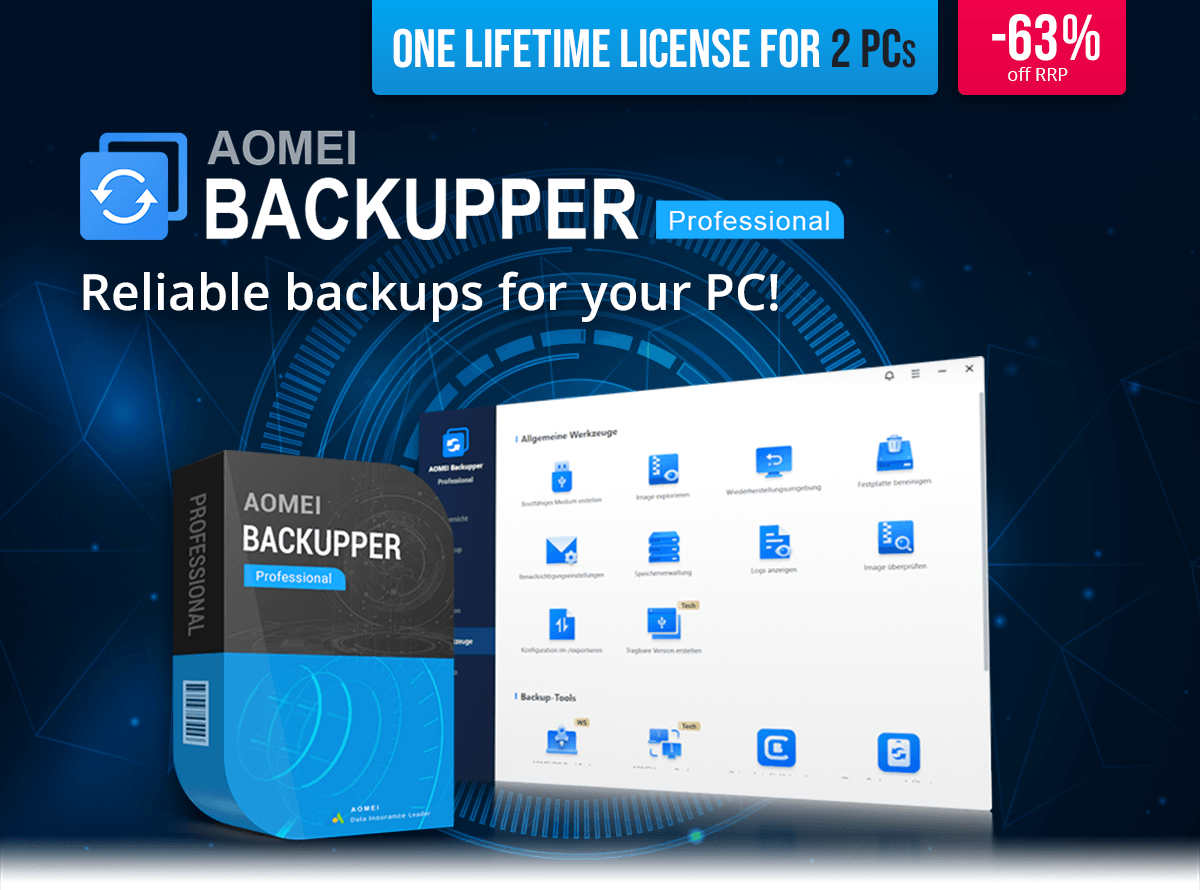
AOMEI Backupper Professional | You save 63% off RRP | Download version
Operating System: Windows® 11 (x64), Windows® 10 (x64) |
| Hello dupa niepodam! |
| With AOMEI Backupper Professional you can reliably protect your system, files and entire drives. The software provides full backup, restore, sync and cloning features to keep your data safe at all times. Whether you want to back up Windows, individual files or whole disks, everything can be secured and restored in just a few clicks. |
 |
| Features at a Glance: |
 | System, disk and partition backup | | File and folder synchronization | | Automatic and scheduled backups | | System, disk and partition cloning | | Incremental and differential backup | | Create bootable rescue media | | Restore to different hardware | | Compress and encrypt backup images | |
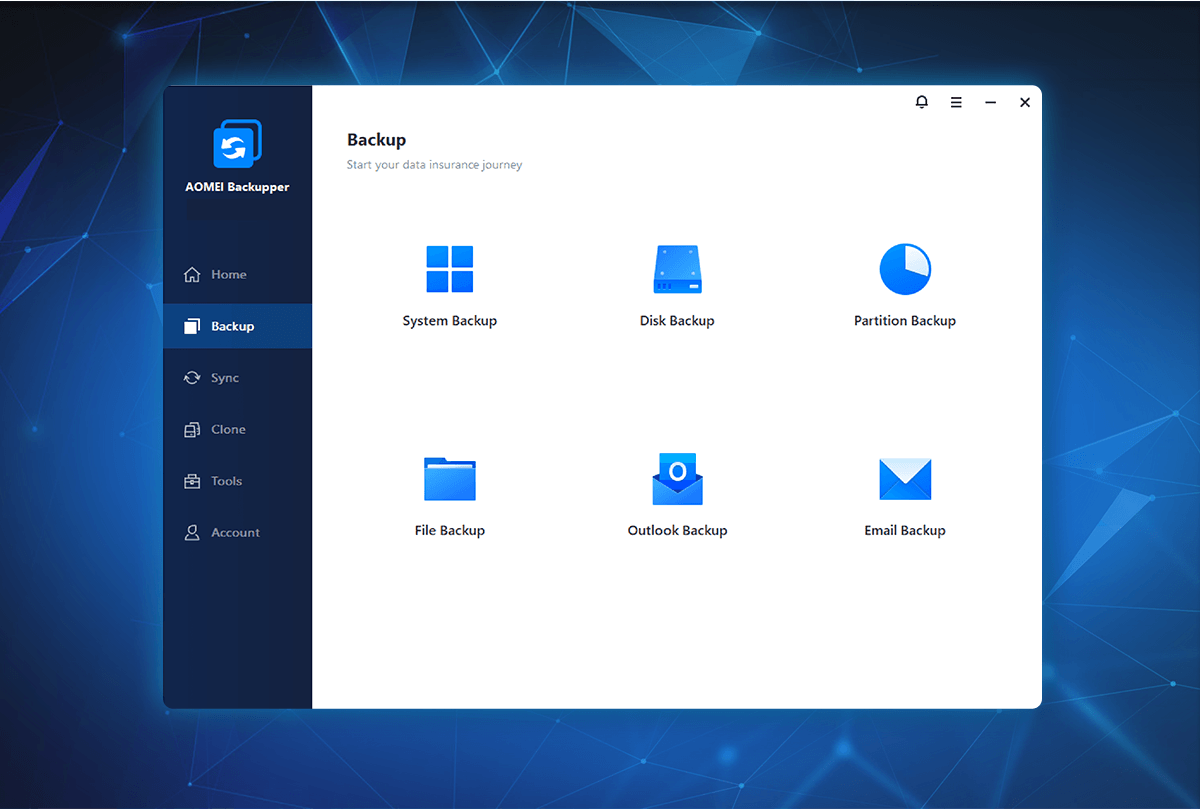 |
| Complete backup for system and drives |
| With AOMEI Backupper Professional you can back up the entire system, selected partitions or complete disks. All files required to boot Windows are included automatically, so you can restore your system to its original state whenever needed. |
 |
| Automatic backups and smart synchronization |
| The software supports scheduled backups as well as incremental and differential methods so only changed data is saved. You can also synchronize files automatically to keep important data up to date in multiple locations. |
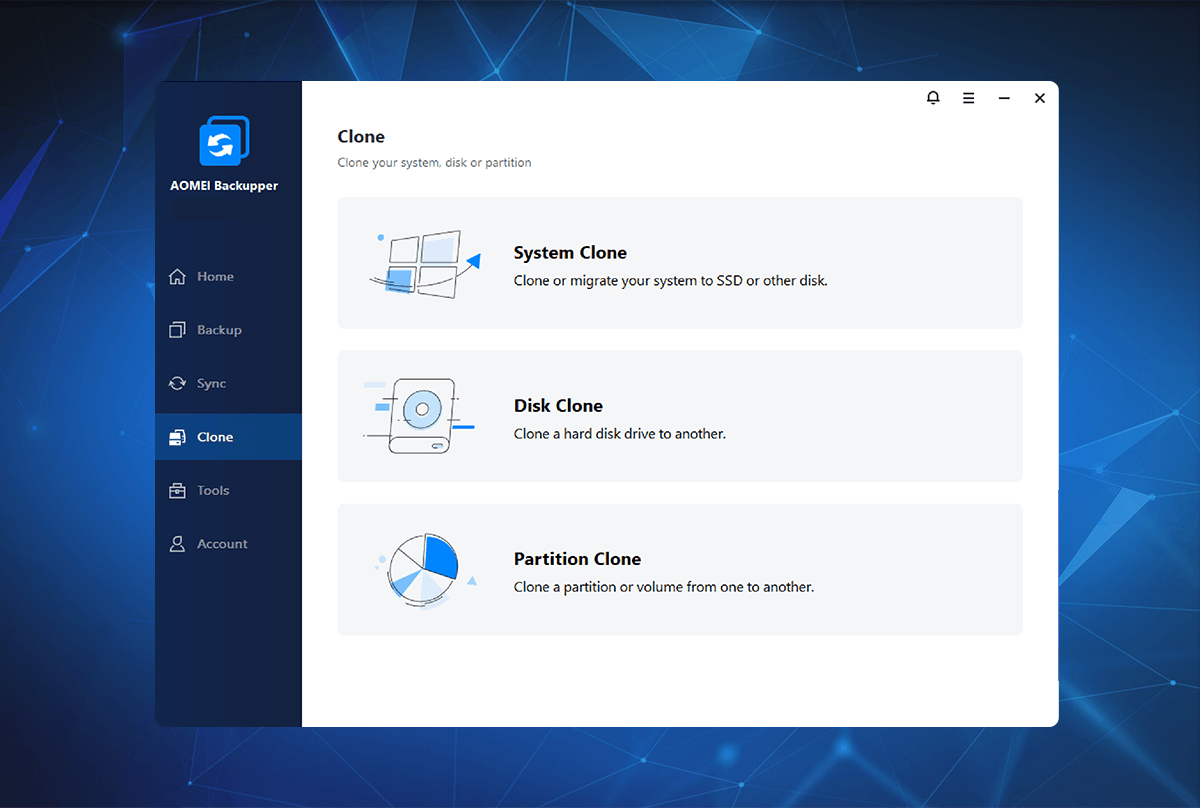 |
| Clone and restore without data loss |
| With the cloning feature you can copy entire disks or systems to a new drive. This is ideal when upgrading to an SSD or replacing a damaged disk. You can also restore backups to different hardware to avoid downtime. |
 |
| |
AOMEI Backupper Professional | You save 63% off RRP | Download version
Operating System: Windows® 11 (x64), Windows® 10 (x64) |