|
Hey d,
I didn't sleep much this week.
Codex was too much fun... just one more prompt...
... then one more
... then it's 1am.
You know the feeling.
My problem was that I couldn't stop. You might be the opposite: too many app ideas, too many models, and no idea where to start.
So pick one thing and push it forward. And if you're overthinking it, this video is for you.
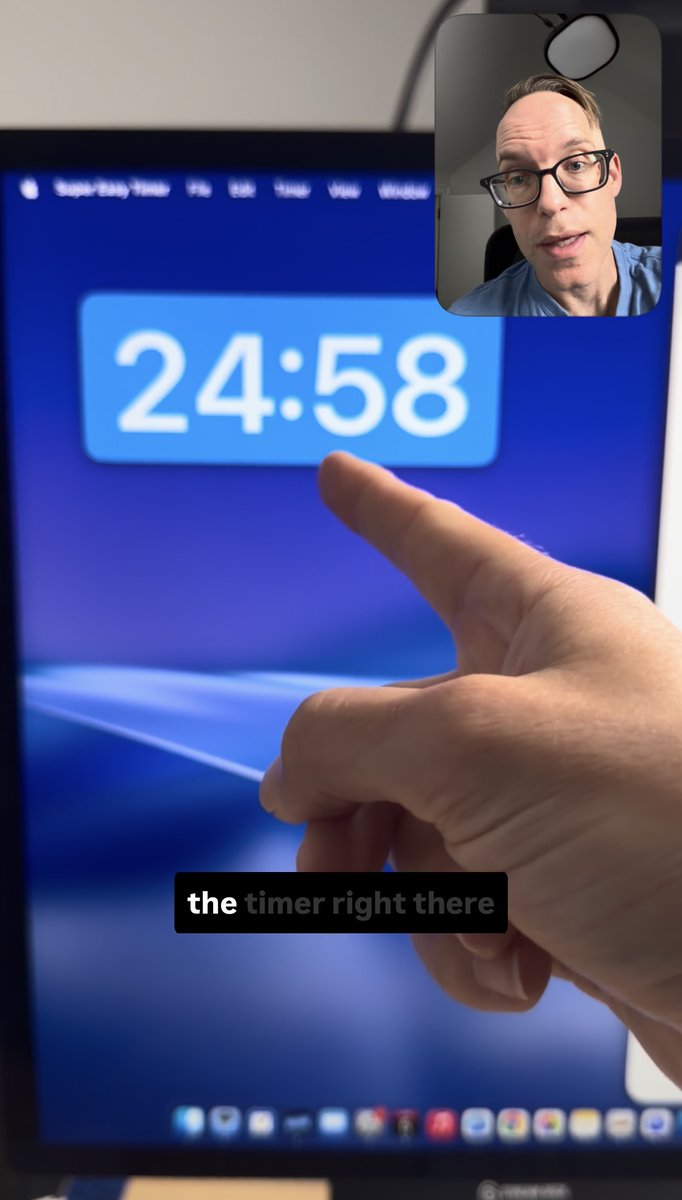
Two people requested Windows support for Super Easy Timer. To test out Codex on Windows, I rebuilt my timer in C# for Windows 11. It took about 5 hours over two days.
Watch that demo here.
Previously, I built Windows apps and games, but I never thought I would be doing that again.
Super Easy Timer Updates
I made massive improvements in the Super Easy Timer TestFlight beta. It's almost ready to ship.
The new design makes the timer front and center. It can scale up or down to any size.
- Type "3 minutes", "3 min", or just "3" and Enter to start a timer
- Hide and show the text input by tapping on the timer window
- Pin above any window or Full Screen app (including Keynote)
This week, I also added these features:
- Hide/show the dock icon
- New colors (black, white, transparent, liquid glass, frosted)
- Improved resizing at tiny sizes
- Screen edge snapping
- Global keyboard shortcuts
Download Super Easy Timer
One thing I like about Codex is that it simplifies product support. I can ask Codex to fix a bug or implement a new feature.
Having an intelligent assistant means I can hand off tasks, test them, provide feedback, and ship all in the same day.
| | Sponsored by Superhuman 200+ Claude Prompts Top Professionals Actually Use at Work Claude can be your analyst, editor, and strategist.
But most professionals are using it to fix grammar.
These 200+ Claude prompts take it from a grammar tool to your most powerful AI work assistant.
Sign up for Superhuman AI and get:
• 200+ ready-to-use Claude prompts to get real work done in minutes — researched, tested, and used by professionals at Google, Microsoft, and NASA
• Superhuman AI newsletter (4 min daily) so you keep learning new AI tools and skills to stay ahead in your career — the prompts are just the beginning | | |
5 Links and Resources
- WWDC 2026 is next week! 6/8 at 10am Pacific – Better Siri?
- The guide to using Goal in Codex (Dominik Kundel - OpenAI)
- Improved iOS app development in Codex (Build iOS Apps plugin)
- Subscription gray area? What's allowed? Read all about it here.
- Use Xcode shortcuts in Codex. ⌘ + R to run.
Talk soon!
Paul Solt
Paul@SuperEasyApps.com
P.S. Here are 7 takeaways from my last 1:1 App Strategy Session:
- Make your App Store screenshots readable. 5-8 words. One idea per screenshot.
- Test onboarding on real devices and different screen sizes.
- Make pricing dead simple. If there is a discount, show the math: cross out prices + show the savings percentages.
- Run one task end-to-end as a new user, then watch 5 people try the same task. Fix each bug you find.
- If you want downloads, share the app in public. Post 1-3 images and a silent screencast video on X (You don't need polish, just document).
- YouTube videos can rank high in Google for keywords you want to target. Show one feature or one interesting concept per video. Publish 10 videos and see what gets traction.
- Don't target the entire market. Niche down and focus on one segment. For a timer app: "speaker timer" or "game timer."
All 7 came from one 60-minute call. If you've shipped an app and you can't tell why it's not getting paying users, bring it to a 1:1, and we'll find what's blocking it → https://calendly.com/paulsolt-super-easy-apps/1-1-app-strategy-session
|