 |
| |
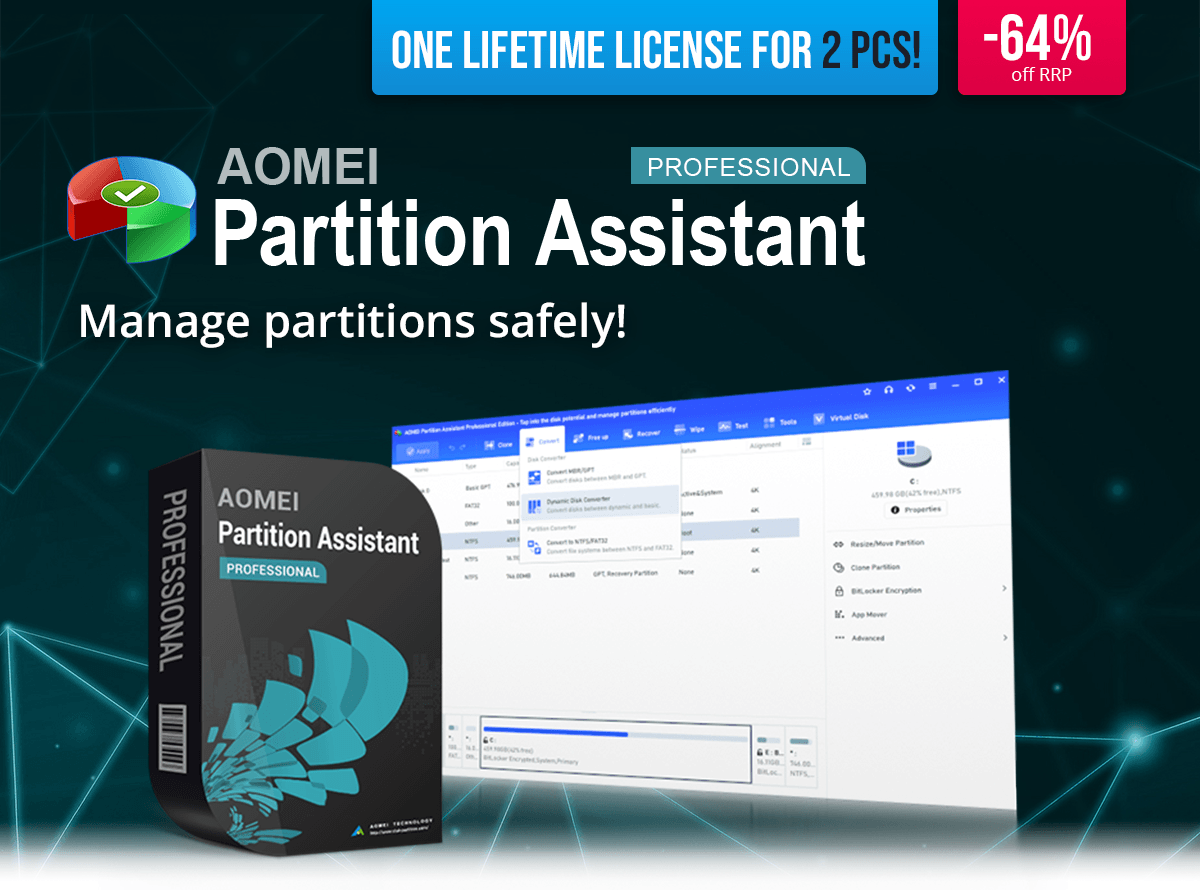
AOMEI Partition Assistant |
You save 64%
off RRP
| Download version
| For up to 2 devices
| Lifetime license
Operating System: Windows® 11 (x64), Windows® 10 (x64)
|
| Hello dupa niepodam! |
| With AOMEI Partition Assistant you can easily and safely manage your hard drives and partitions. The software provides powerful tools to create, resize, move, merge and split partitions without data loss. This allows you to optimize disk space and adapt your system exactly to your needs. |
 |
| Features at a Glance: |
 | Create, delete and format partitions | | Resize partitions without data loss | | Merge or split partitions | | Migrate OS to SSD or HDD | | Clone disk | | Convert file systems | | Create bootable media | |
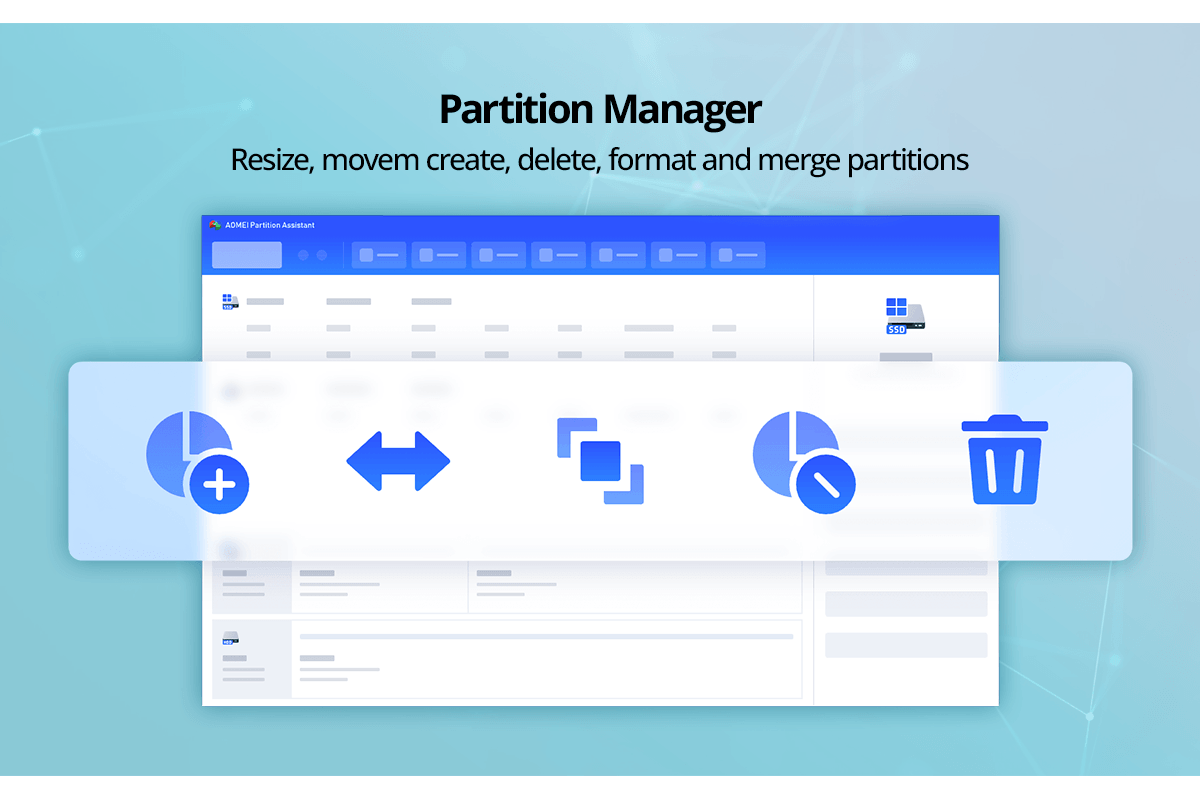 |
| Flexible partition management without data loss |
| With AOMEI Partition Assistant you can change partition sizes without reinstalling Windows or deleting data. Free space can be redistributed so your system drive gets more space or new partitions can be created. You can also merge or split partitions in just a few steps. This keeps your system organized and ensures your storage is used efficiently. |
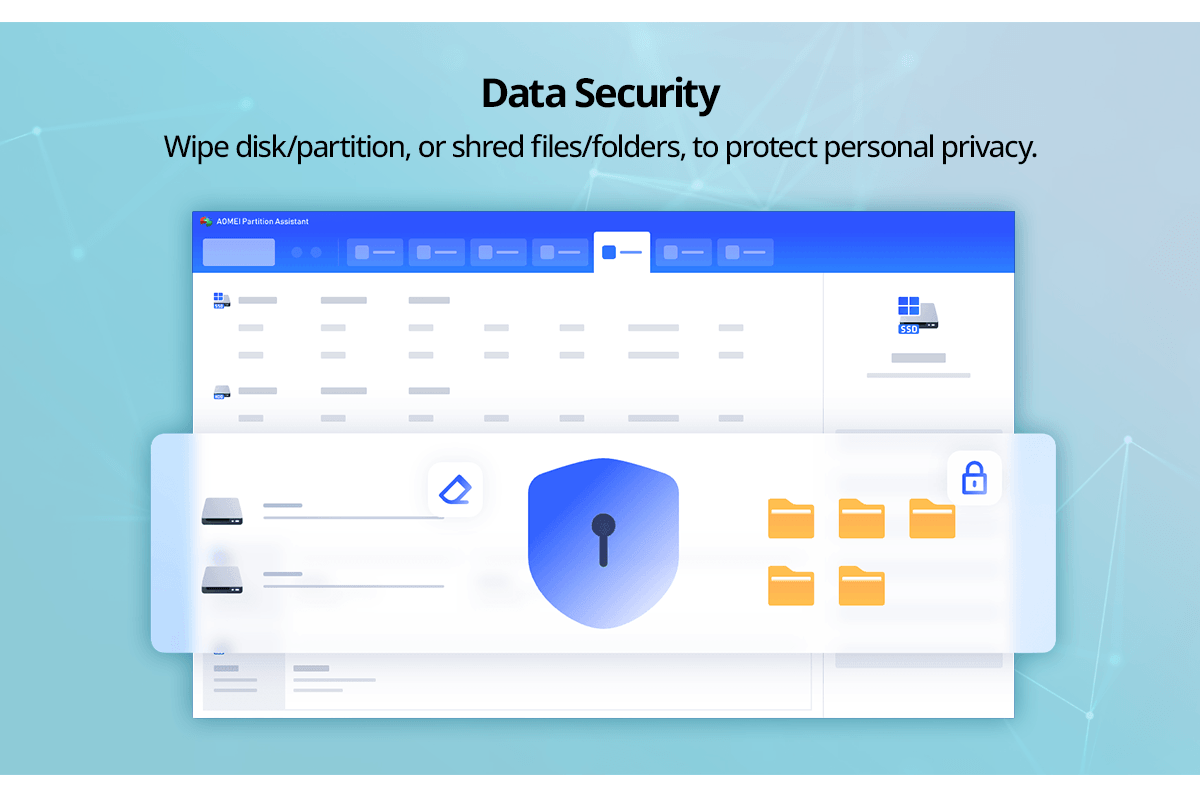 |
| Migrate system, clone disks and optimize storage |
| The software allows you to migrate an entire operating system to a new SSD or hard drive without reinstalling programs. You can also clone full disks to create backups or identical copies. Advanced features help optimize SSDs, convert file systems, or change disks between MBR and GPT. This makes it easy to upgrade or modify your hardware without losing data. |
| AOMEI Partition Assistant lets you manage your disks safely and efficiently. Powerful tools help you optimize storage, migrate systems and control partitions without risk. |
 |
| |
AOMEI Partition Assistant |
You save 64%
off RRP
| Download version
| For up to 2 devices
| Lifetime license
Operating System: Windows® 11 (x64), Windows® 10 (x64)
|