We are recently announced another major update for SynthMaster 3 & SynthMaster 3 Player (desktop): Both are now updated to version 3.4.9 with exciting new features and critical bug fixes
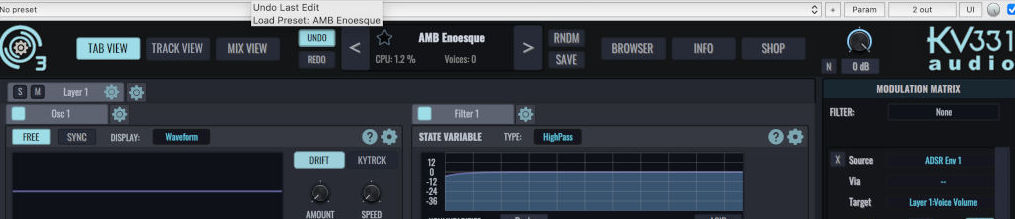
You can now undo the last preset load to revert back to the previous preset settings. Pressed the 'RNDM' button by mistake for instance? No problem, click on the 'Undo' button and your last edit is back :)
Recent Preset History
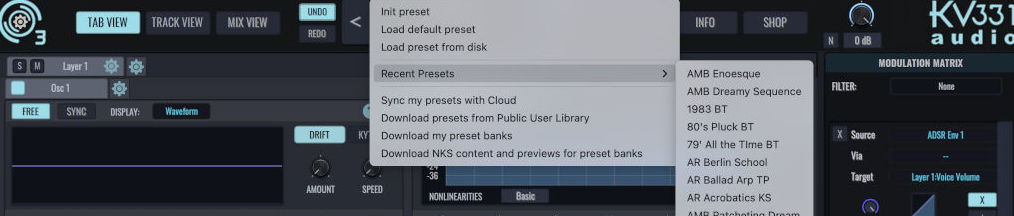
SynthMaster 3 now remembers the last 20 presets you recently browsed:
Color Coded Piano Keyboard
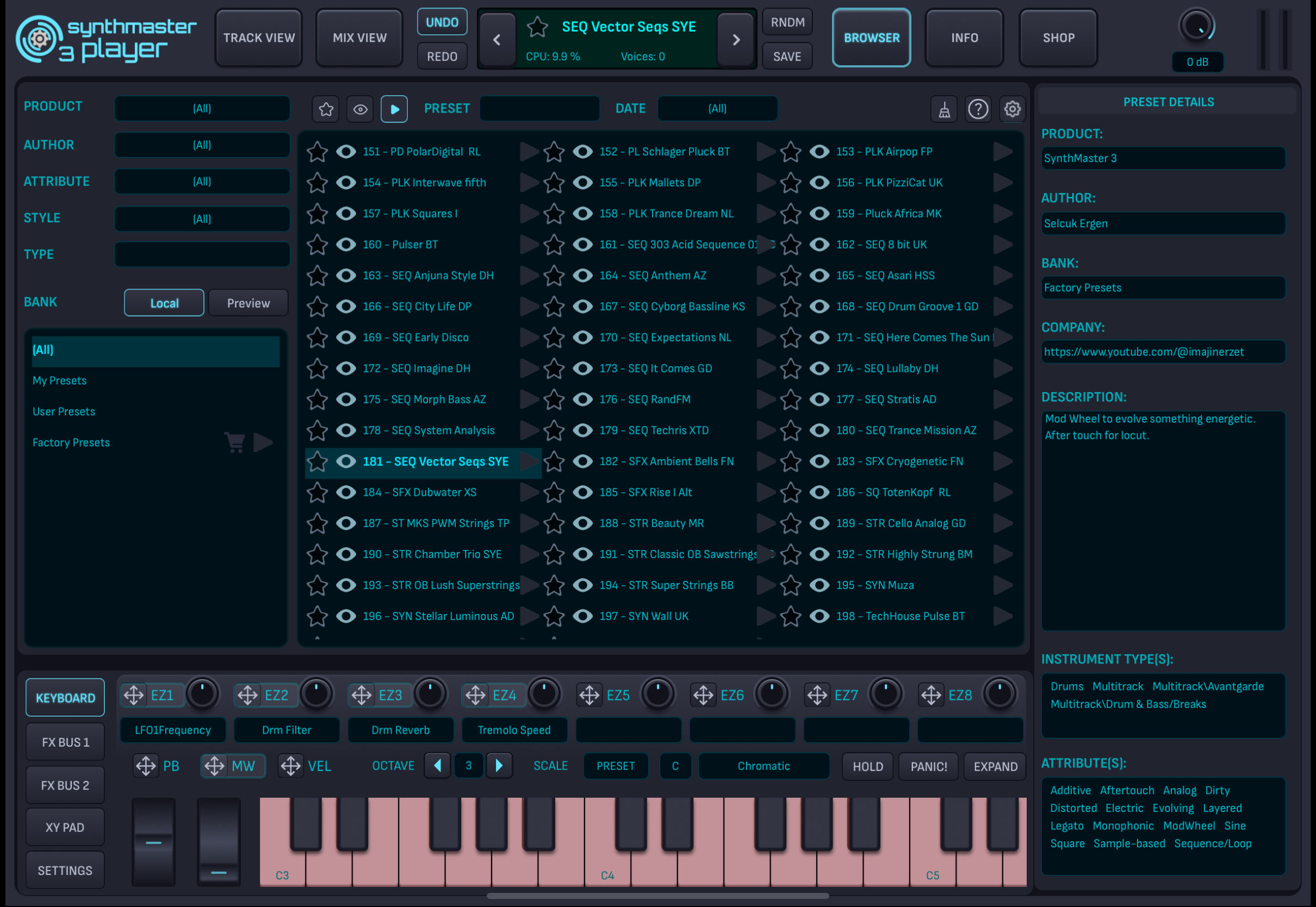
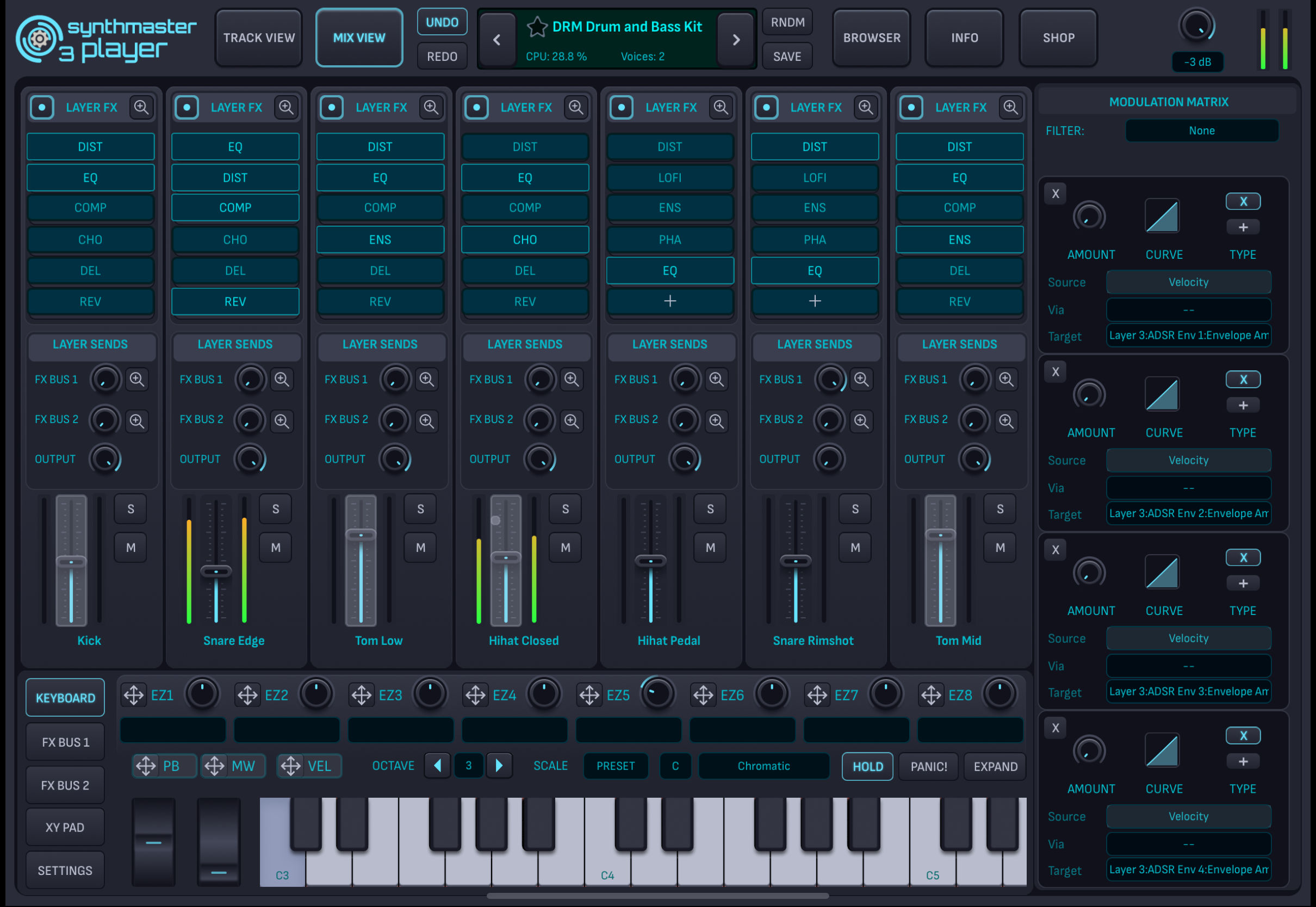
The piano keyboard now displays keys with different colors: Blue for drum kit pattern, Red for multisamples, Gray for disabled. This way, you would know if a preset contains multisamples or drum kit patterns.
Bundle Upgrades on the Shop Page
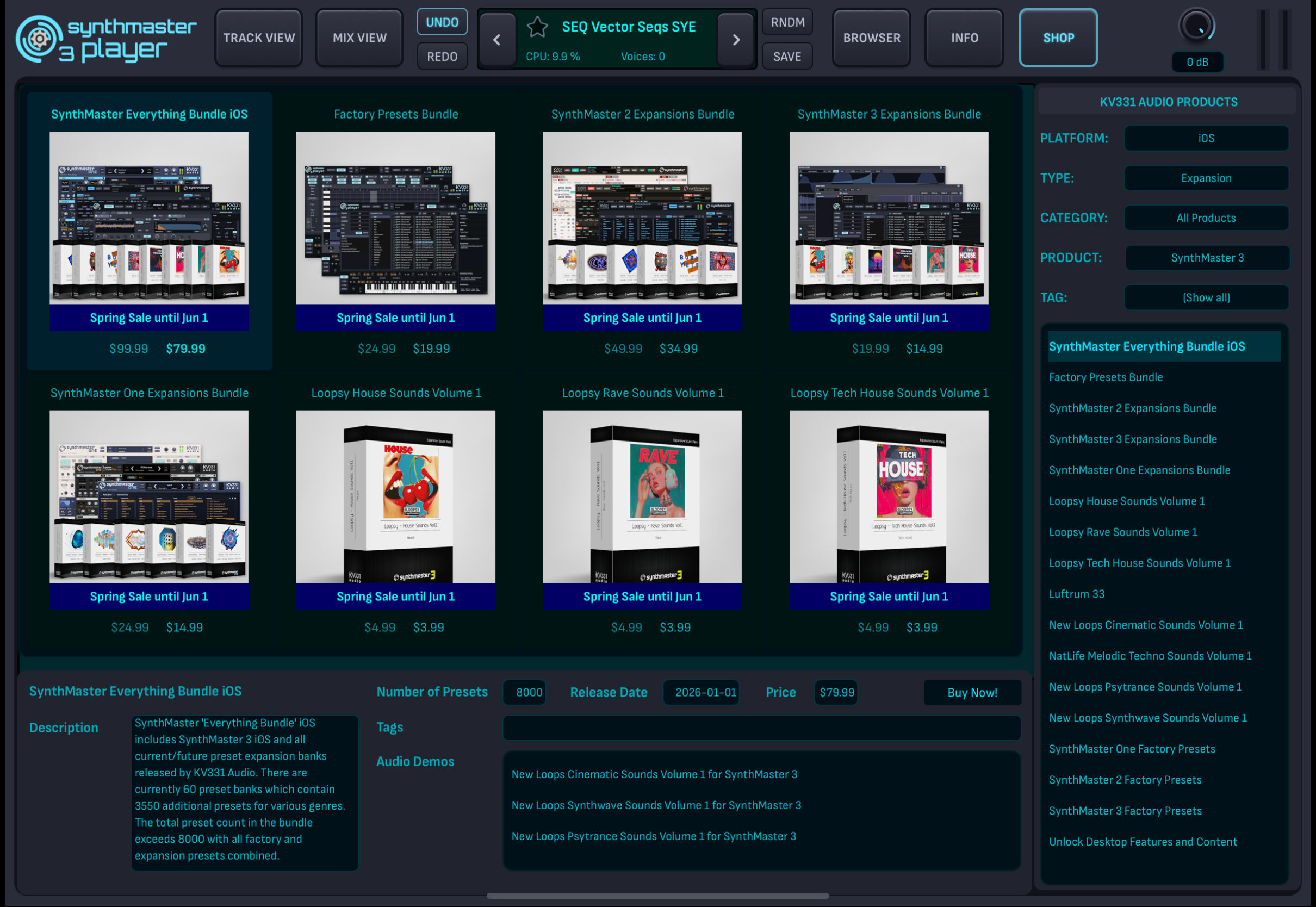
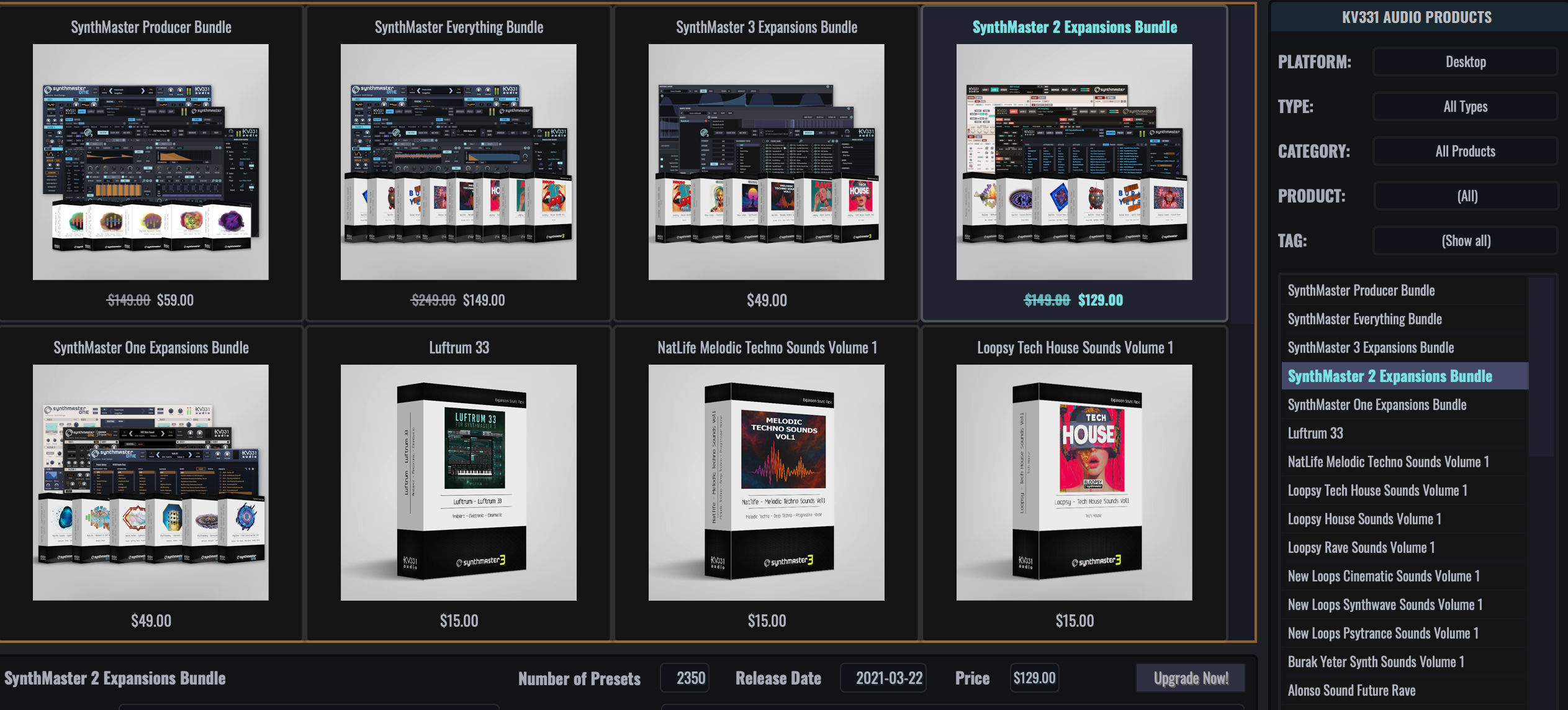
You can now upgrade to our bundle products with a special upgrade price based on your past purchase history. For instance, if you had purchased half of a bundle's contents before, your upgrade price would be half of the current price of that bundle:
The following products are eligible for this upgrade:
- SynthMaster Everything Bundle (iOS & Desktop)
- SynthMaster Producer Bundle (iOS & Desktop)
- SynthMaster 3 Expansions Bundle (iOS & Desktop)
- SynthMaster 2 Expansions Bundle (iOS & Desktop)
- SynthMaster One Expansions Bundle (iOS & Desktop)
Add Samples as Regions
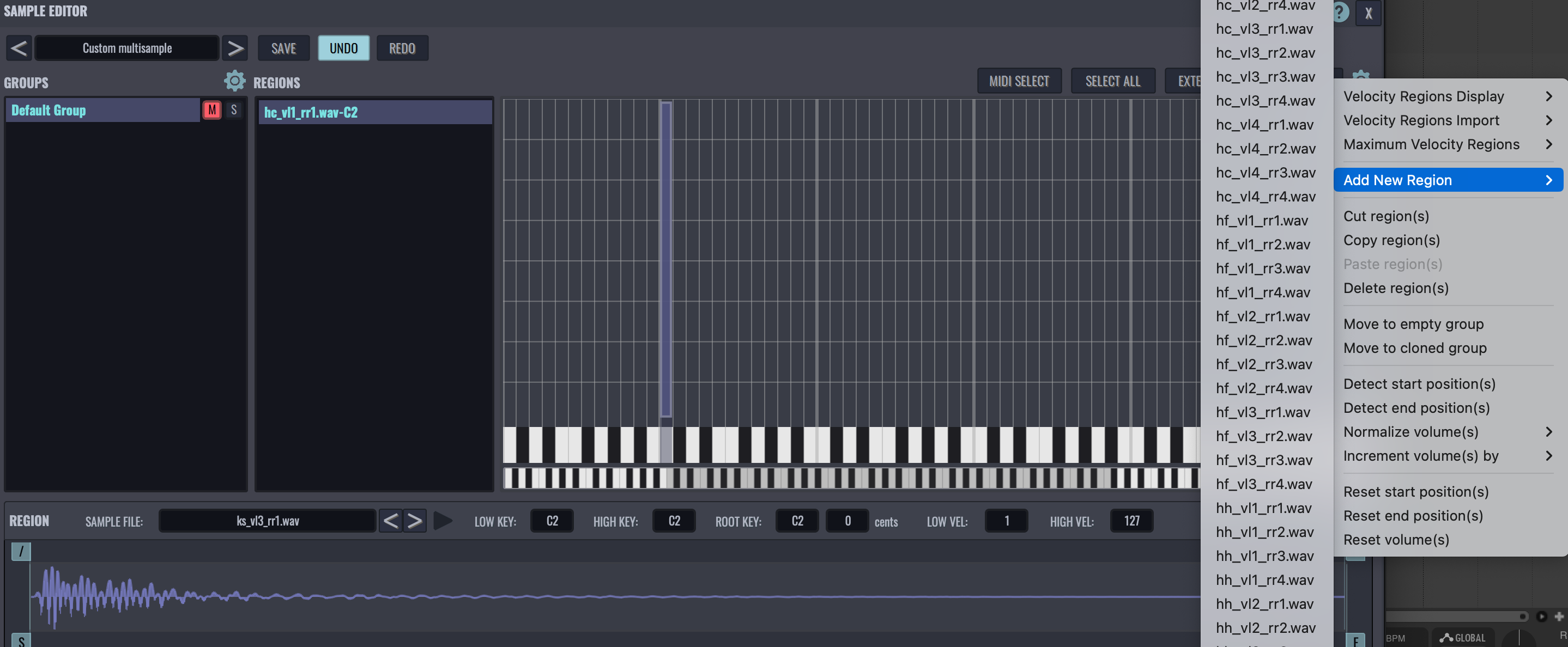
You can now easily add samples as regions to a multisample by selecting from the list of samples that reside under the multisample's samples folder. This is especially useful if you only start off with importing a couple of samples in a multisample, but the samples folder contains much more files:
Tooltips for Modulation Targets
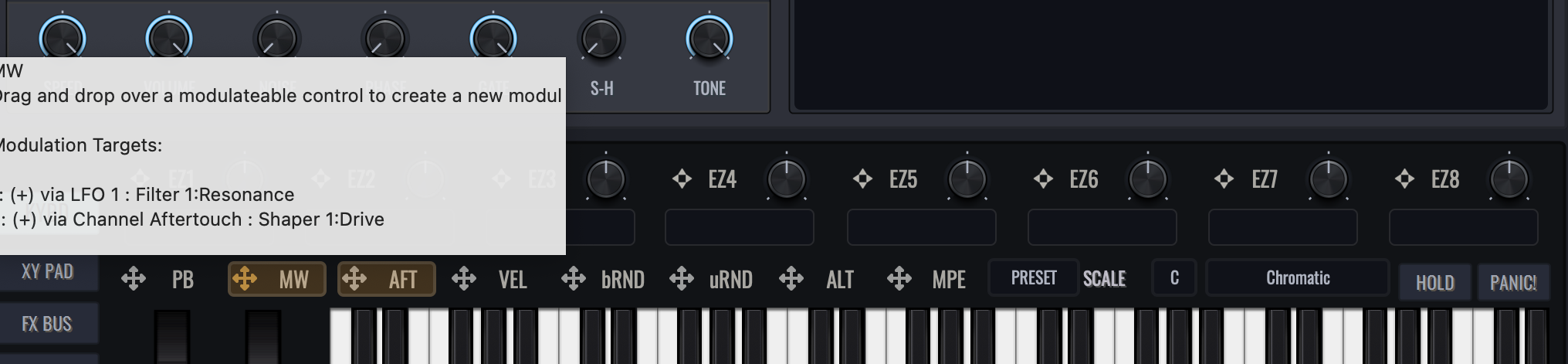
Want to see modulation targets of a modulation source without clicking on the source? That's possible now with our v3.4.9 update: Hover the mouse over a modulation source, and all modulation targets of that source are displayed on the tooltip window:
Tooltips for Modulation Sources
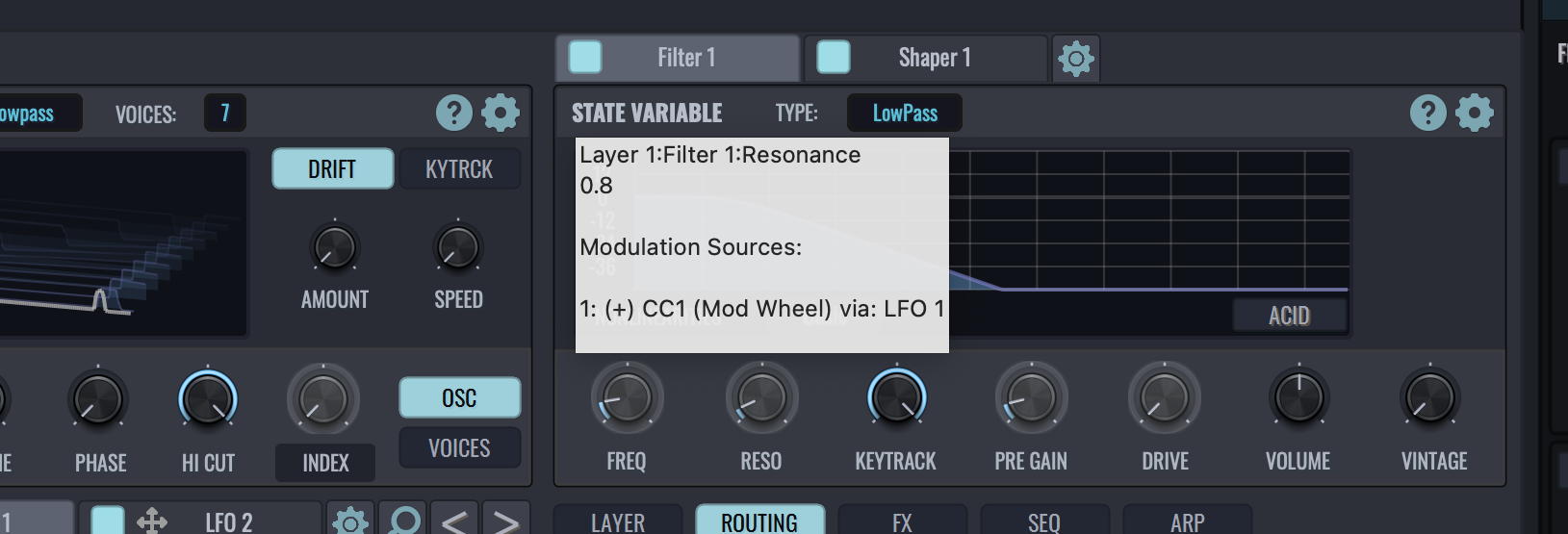
Want to see modulation sources for a knob/slider without clicking on that control? That's possible now with our v3.4.9 update: Hover the mouse over a knob/slider, and all modulation sources for that control are now displayed on the tooltip window.
Interoperability between MacOS and iOS
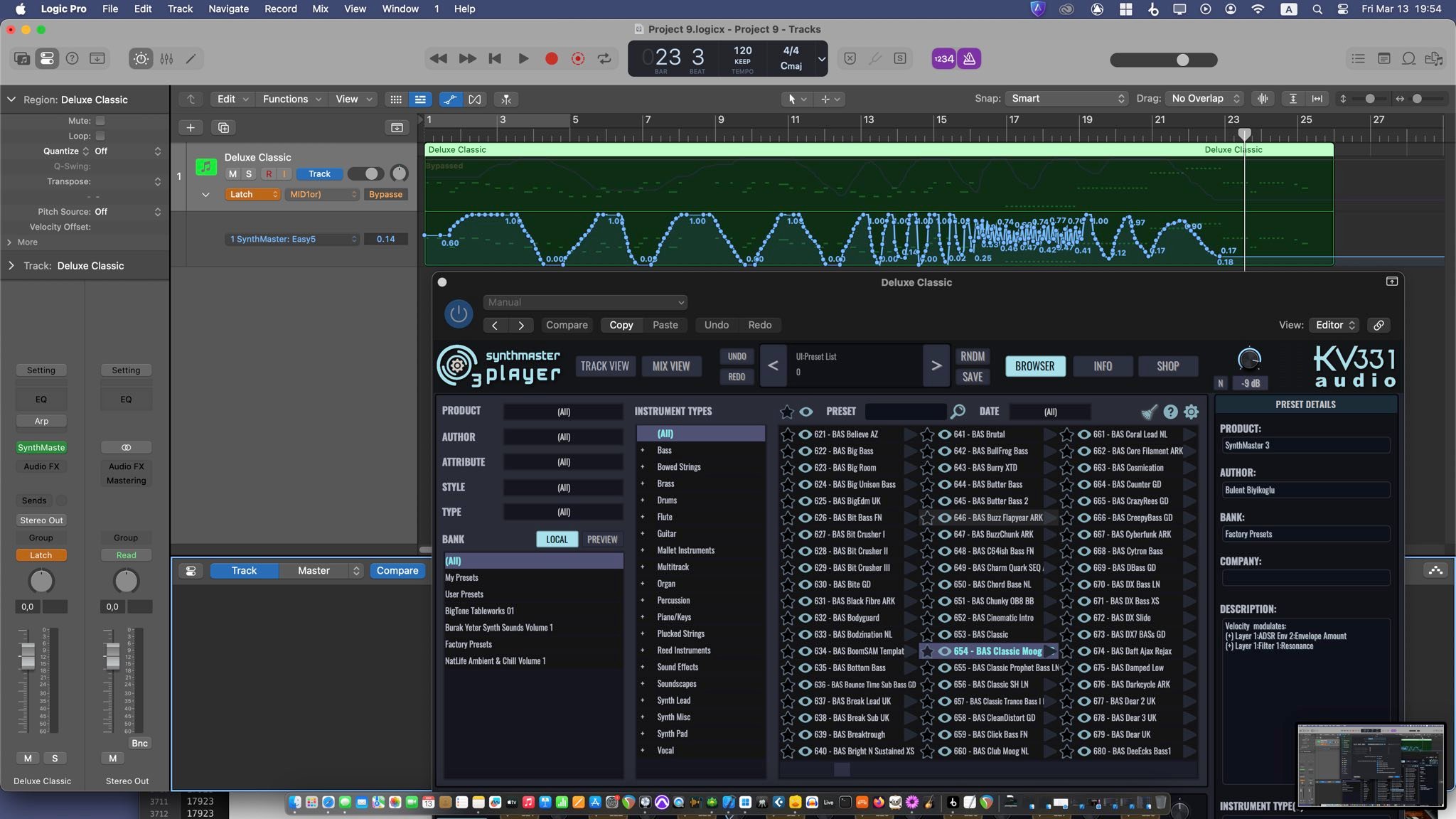
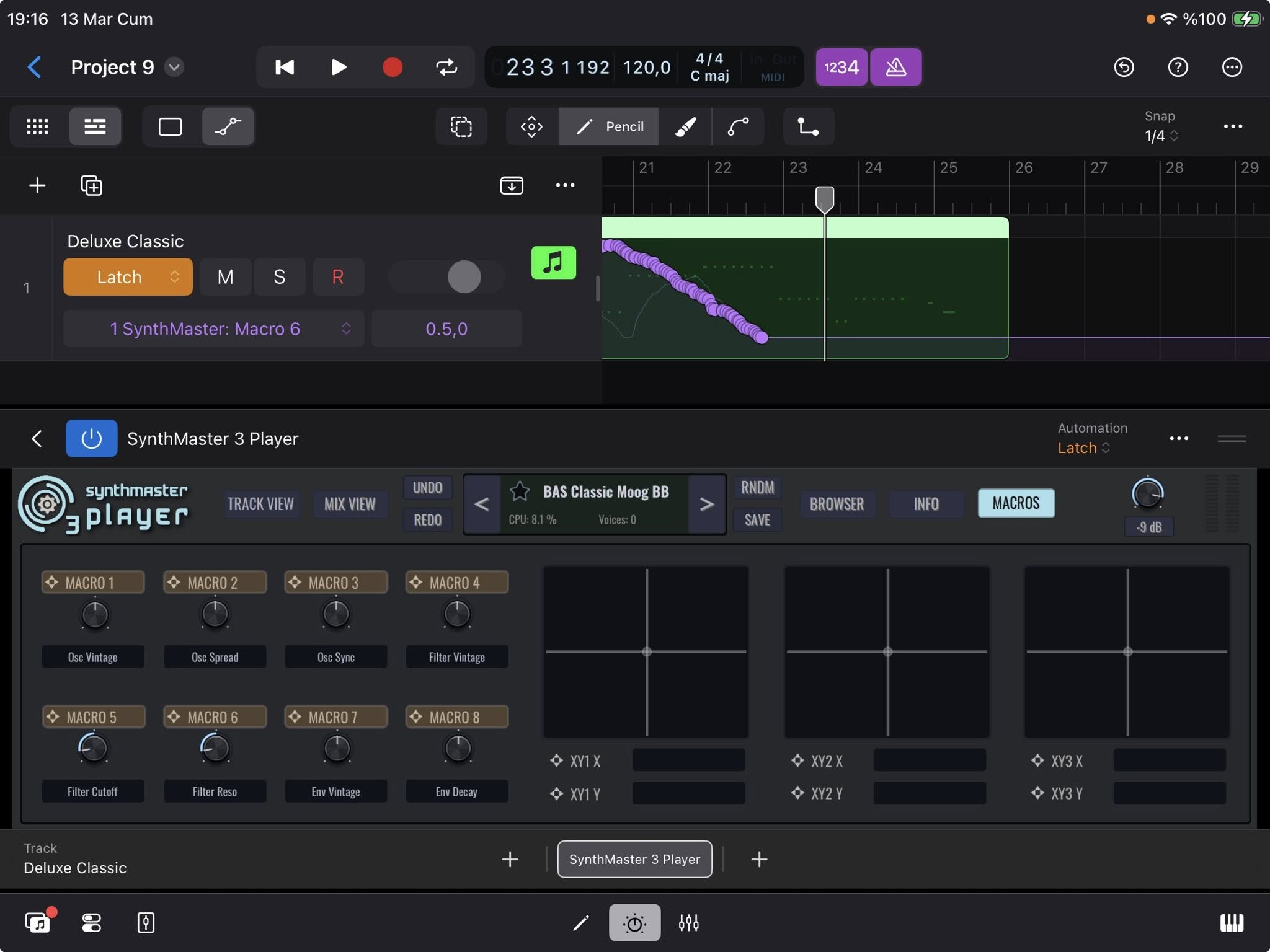
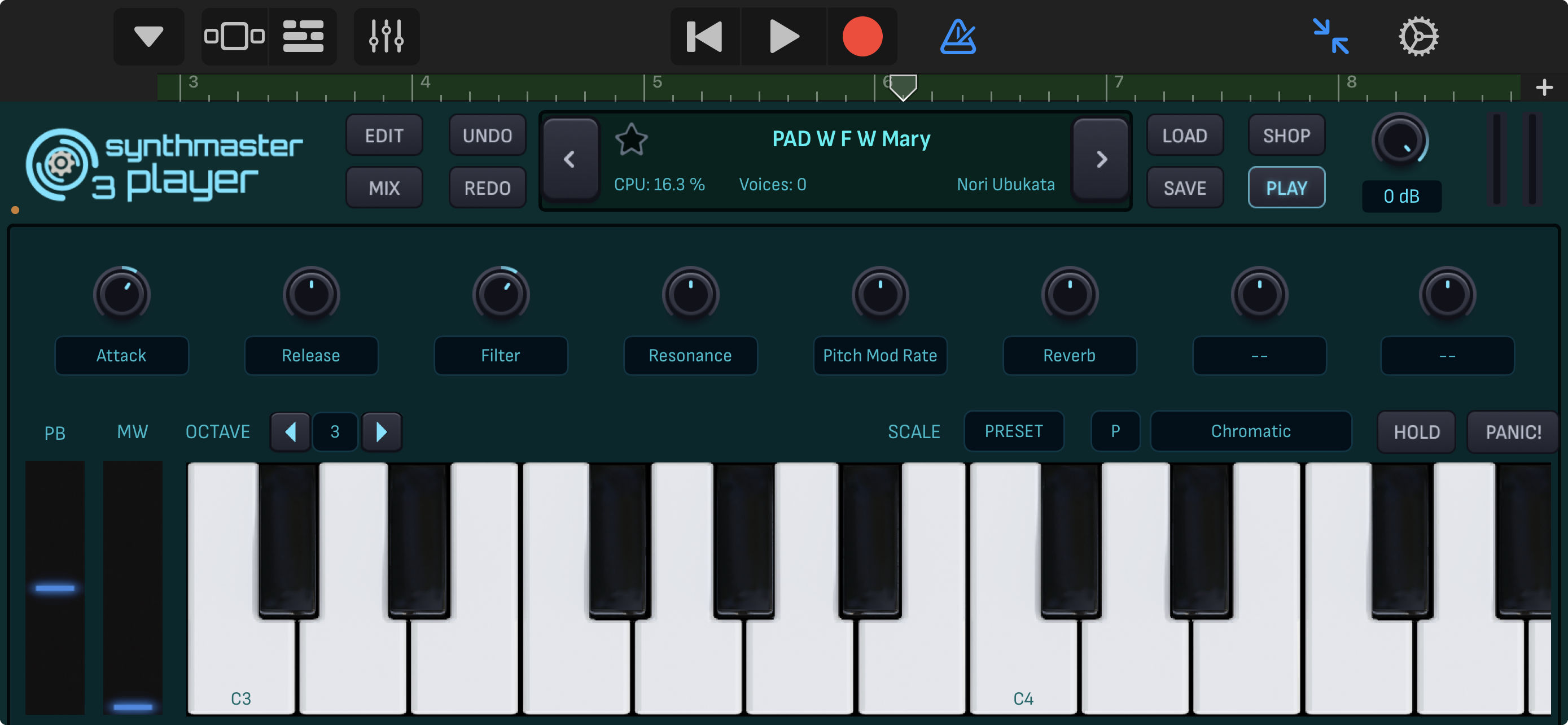
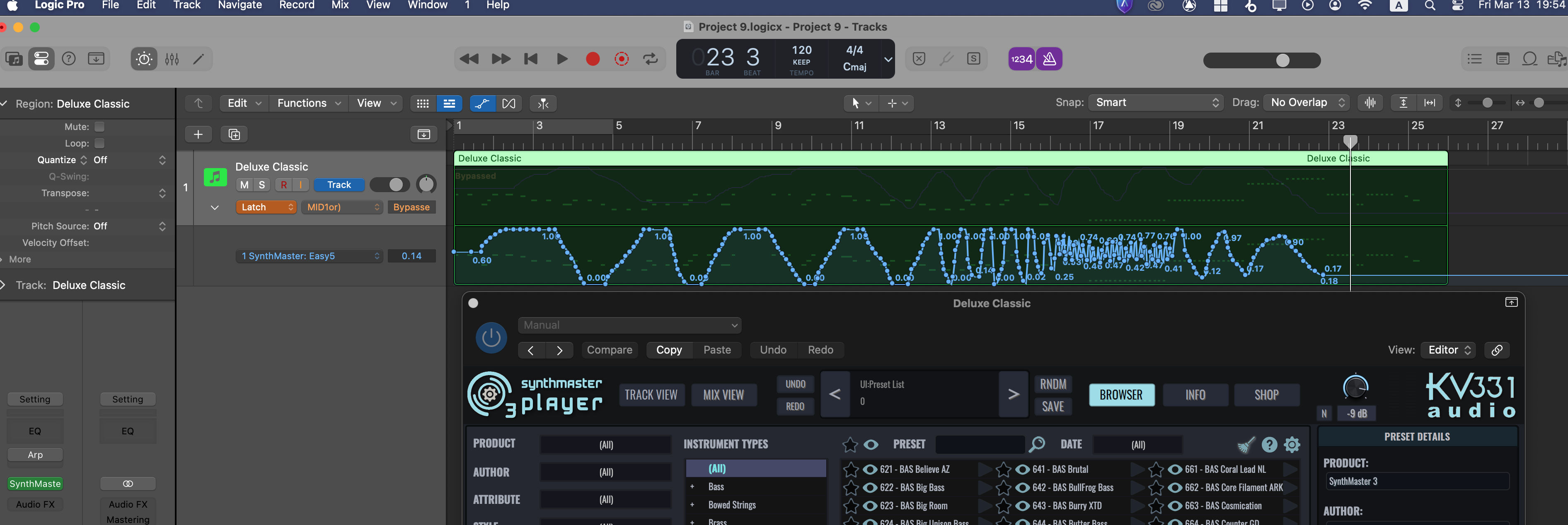
As you know we recently released SynthMaster 3 Player iOS Beta version. So, if you saved any projects with Logic Pro iOS that use SynthMaster 3 Player AUv3, Logic Pro Mac can now open those projects, with all preset and automation data restored: