Today is the day you kick off a task for AI and let it run, for multiple hours even, without constantly interrupting you.
Quick recap of the week so far:
- Day 1: why AI only gets you 80% of the way
- Day 2: our AI toolbox
- Day 3: forcing quality out of those tools with deterministic checks
Free 5 Day Course - Permissions, Security, and Autonomous AI

Once the checks are catching your mistakes for you, you can stop babysitting. That's what today is about: giving AI as much freedom as possible without putting yourself at risk.
The part people miss is that freedom and safety aren't opposites here. Part of the reason you can let it run is that yesterday you built the checks that catch it when it slips.
The other part is what today adds: strict boundaries and permissions, so even when the AI does go off the rails, it can't do real damage, like deleting your whole project.
This email is a high level overview, but if you want all the juicy details check out Agentic AI, which is available for a limited time for early access. This can include 1:1 calls with me to help you implement AI in your own workflows.
Permission Modes
Out of the box, the AI asks before it edits a file or runs a command. That's the safe default and it's fine when you're poking around something new.
It's also painfully slow once you actually trust your setup.
A few modes worth knowing:
- Default: asks before edits and commands.
- Auto-accept edits: stops asking before every file write. This is where I live most of the day.
- Plan mode: read-only. It can look but not touch, and it hands you a plan before doing anything. Great for pointing it at something scary first.
- Auto mode: a smarter "allow all". A model looks at each action and lets the routine stuff run on its own, so most of the permission prompts just disappear while it still protects you pretty well from the risky ones.
--dangerously-skip-permissions: FREE REIGN. No prompts at all. This is the one I prefer, but I only run it inside a Docker container, so even if it goes sideways there's nothing sensitive for it to touch.
Most people either never leave the default (and it feels slow) or skip straight to free reign (and get burned). The rest of this email is about earning the right to run those last two.
Loosen Surgically, Not All at Once
Here's the part that changes everything: you don't need one big on/off switch. You can pre-approve the safe stuff and keep the prompt on the dangerous stuff.
In my setup:
- Runs without asking: reads, the test suite, the linter
- Stops and waits for me: anything that deletes, deploys, or touches money
"permissions": {
  "allow": ["Bash(npm test)", "Bash(npm run lint)", "Read"],
  "deny": ["Bash(git push:*)", "Bash(rm -rf:*)"]
}
So the AI moves fast on the stuff that's harmless and stops cold on the stuff that isn't. You get most of the speed of full auto with almost none of the risk.
Sandboxing: Give It a Room It Can't Break Out Of
Permissions decide what the AI asks about. A sandbox decides what's even possible.
The idea is to build a room it can't escape, then let it go wild inside that room.
In my own SaaS a bunch of things are just walled off, and every one of these is a real rule:
- Database: direct access is blocked. It has to go through a sandboxed wrapper, so it can't fire a raw destructive query at the wrong database.
- Environment variables: can't be read ad hoc. Everything routes through one validated module (the same rule from Day 3), so secrets never get pulled in to random files.
- Hard deletes: 100% banned most of the time lol. We soft-delete where we can, so nothing is ever truly gone by accident.
This is also where a Docker container comes in. By dockerizing your agent you can still work on the same codebase (the container mounts the repo), but sensitive CLIs like AWS and GitHub stay off the container. So the sensitive stuff can still run in the same directory, just from outside the container.
And three things I never let AI near, no matter how good the setup is:
- Secrets: API keys, the contents of your
.env. These never go in a prompt and never get committed. Test or dev values in your local.envare fine, the point is that production credentials never live in there. - Production data: never point it at the live database, and never let it run a migration against prod. Test locally, always. I mean you can connect to prod, just don't be sad when Claude says "dang bruh, I thought that was the local database, my bad."
- Payments: anything touching Stripe or real money stays completely off limits.
MCP: Autonomy Beyond Your Machine
Everything so far is about what AI can do on your machine. MCP is how it acts beyond it: a standard for connecting your agent to the real accounts you run things on, so it can do real work there without you driving every click.
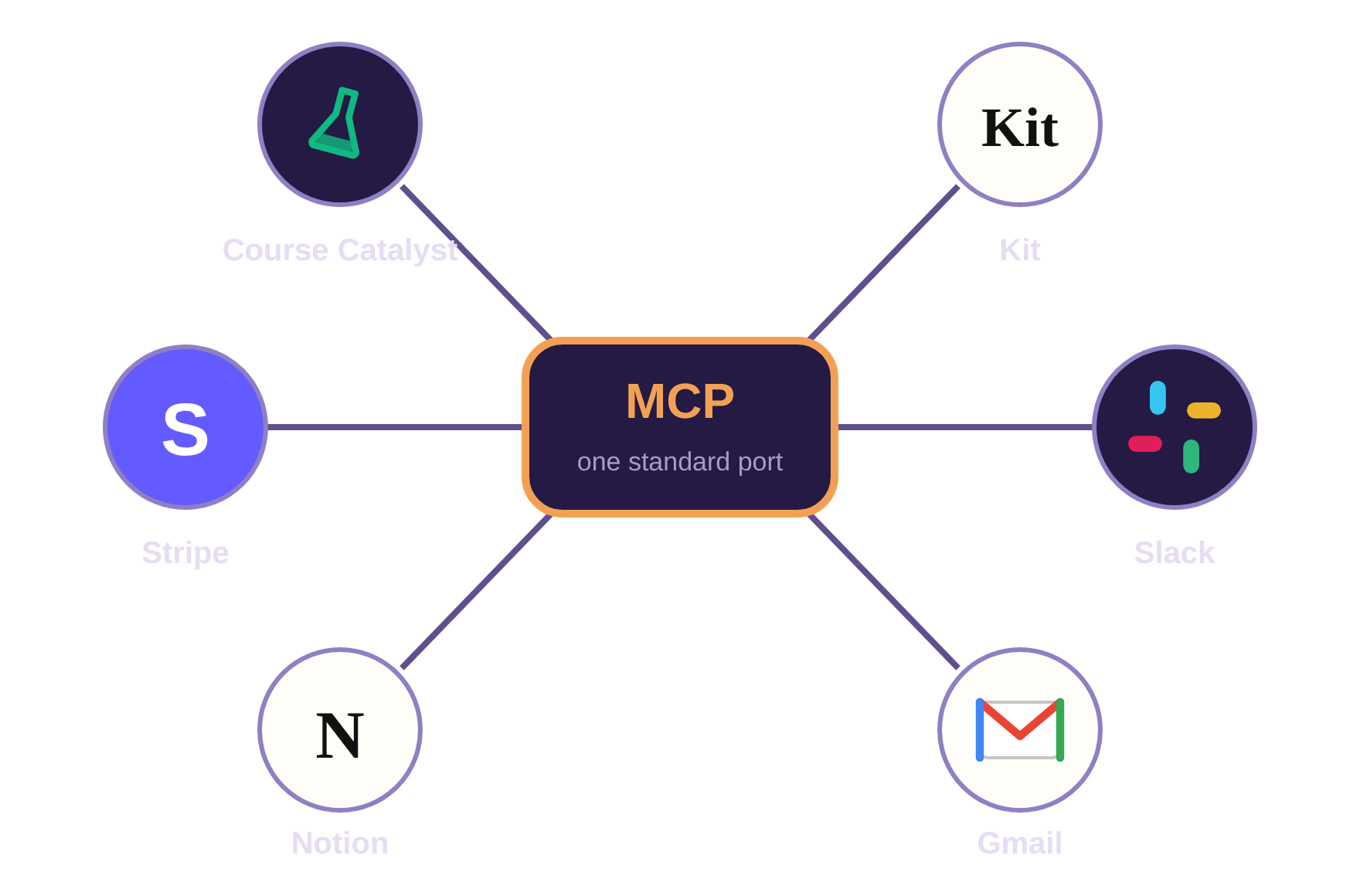 Here's a real prompt I ran through my Course Catalyst MCP (btw Course Catalyst is my product, you'll never guess what it helps you build quickly):
Using my Course Catalyst MCP, draft a simple thank-you email (~100 words): an extra 20% off Agentic AI for anyone who's gone through my AI Mastery course, expiring Monday 11:59 PM ET, with the coupon code in it.
Make a coupon for 20% off that expires then.
Draft it to everyone enrolled in AI Mastery, minus anyone who already bought Agentic AI.
Before sending, send me a preview email and the count for the send (AI Mastery − people who bought = ?).
This prompt that took me ~45 seconds got me a $557 sale right after.
Now the warning, if you're not careful you can give access to accounts in the sandbox (when sharing a claude config). SO before you go ham, maybe see what MCP servers you can access from within the container before you break much more than just your codebase.
Sometimes you can also scope the rules on the MCP server side to prevent certain behaviors (similar to API permissions). Or the MCP server creator may limit certain behaviors entirely. Right now at least, the Course Catalyst MCP right now can't delete anything: the most it can do is mark something unpublished, and you delete it from the UI later if you actually meant it.
Block the Dangerous Stuff Before It Runs
Remember the stop hook from yesterday, the one that runs when the AI thinks it's done? There's a sibling that runs BEFORE a command, and it's your safety net for the autonomous stuff.
A pre-tool hook fires right before the AI runs any command, and it can cancel it. Mine watches for the truly scary patterns and kills them on sight:
// .claude/hooks/pre-command.js
// Exit code 2 = blocked, message goes back to the AI
if (/rm -rf|drop table|git push --force/i.test(command)) {
  console.error("Blocked: destructive command. Do this manually.");
  process.exit(2);
}
Same exit-code-2 mechanism as the stop hook, just fired earlier in the lifecycle.
Now even in full auto mode there's a hard floor it can't fall through. That's what makes walking away actually safe.
Letting It Run for Hours
Once the checks catch mistakes (Day 3) and the hooks block the dangerous commands (above), you can do the thing that felt insane a year ago: kick off a task, close the laptop, and come back to finished work with the checks already green. (Well, shutting your laptop may actually stop Claude, so I guess I lied.)
Why is that safe now when it wasn't before?
- The stop hook means it can't call itself done on broken code.
- The sandbox and pre-command hook mean the worst realistic case is contained.
It's freedom sitting on top of the enforcement you already built.
Why This Matters
This is the stuff that separates people using AI as a toy from people shipping real products with it. Anyone can get a prototype. Running an agent for hours against a production codebase without breaking anything takes the setup we've been building all week.
We go much deeper on all of this inside the Agentic AI course:
- Real permission configs
- The hooks that gate dangerous actions
- How to run whole fleets of agents safely
You can check out the course here: https://codebreakthrough.com/agentic-ai
This is a LIMITED TIME offer and closes soon. So please don't miss it. I won't be extending the date.
Or if you have questions first, reply to this email.
Tomorrow is the last day. We'll tie the whole week together with agentic workflows and subagents, the repeatable systems that put all of this on autopilot.
Until tomorrow,
Caleb
Unsubscribe from marketing emails
Sent via Course Catalyst on behalf of CodeBreakthrough
500 Westover Dr #217334
Sanford, NC 27330
© CodeBreakthrough. All rights reserved.