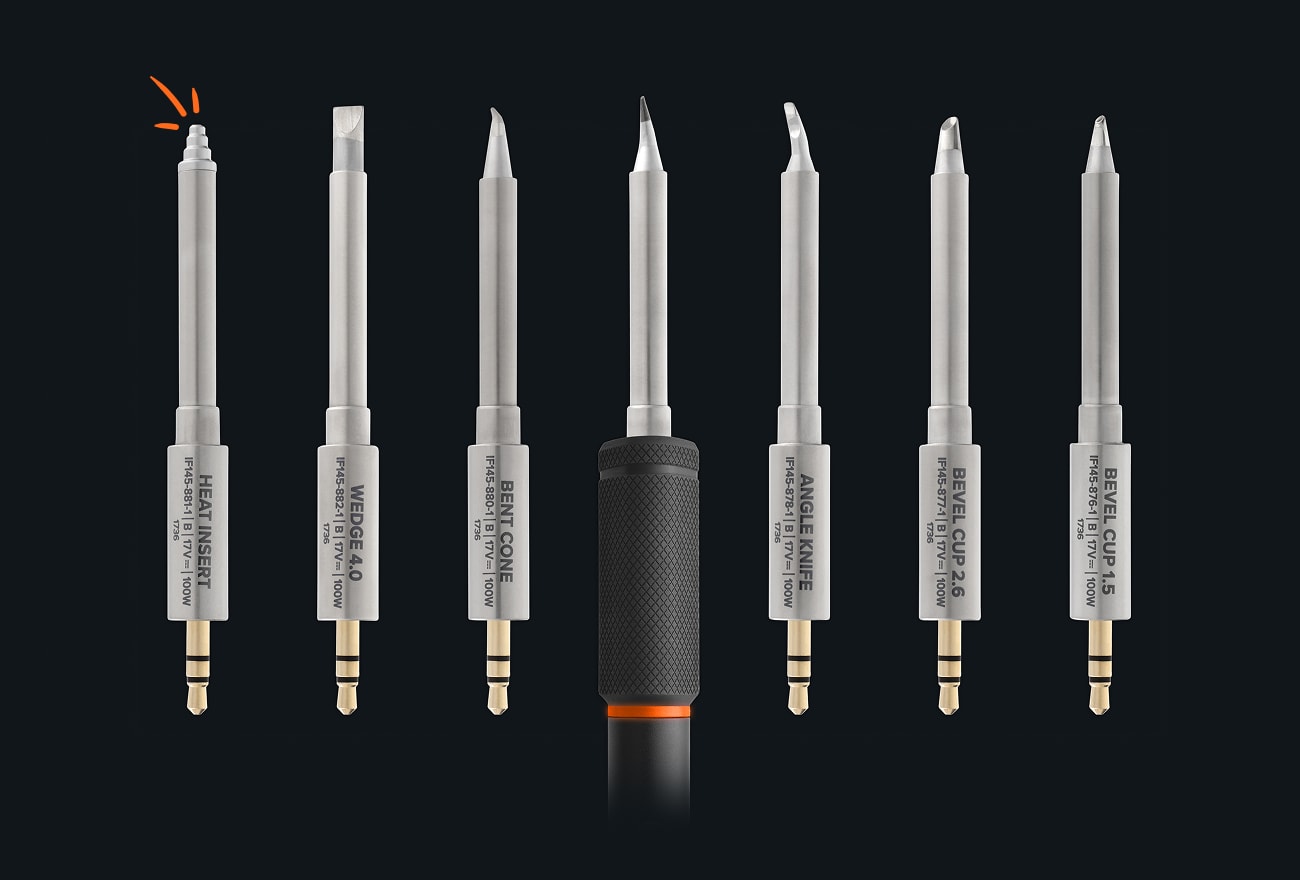
Our FixHub Smart Iron originally shipped with seven tips. You told us where the gaps were, so we doubled the lineup:
Drag a whole row of pins: Bevel Cup 1.5, Bevel Cup 2.6, and Angle Knife carry a bead of solder down a row of pins.
Reach what the iron body blocks: Angle Cone and Bent Cone put a fine point where the iron used to be in the way.
Move more heat: Wedge 4.0 puts a 4 mm face on big pads, battery tabs, and thick wire.
Put threads in a 3D print: The Heat Insert Tip melts M2 to M5 brass inserts into 3D-printed parts.
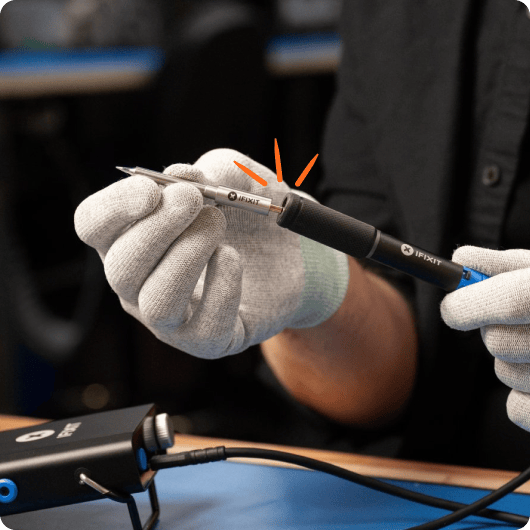
Each tip is crafted to handle up to 100W power output and designed to work seamlessly with our FixHub Smart Soldering Iron.
It’s not just the FixHub iron itself that’s smart. The heating element and the temperature sensor both live inside the tip.
Learn how to repair Find free repair guides Try FixBot, our AI repair assistant
Change the world Join the community Learn about our advocacy
Get what you need Find your toolkit match Check parts compatibility
Always be ready
Download the iFixit app for iOS or Android
Follow us
Get the app
About Us
ContactShipping
ReturnsCustomer Support
Privacy Policy
Sent by iFixit You received this email because you opted in to our email communications. If you have an iFixit account, you can update your preferences, including your store and language.Web Copy
Find free repair guides Try FixBot, our AI repair assistant
Find your toolkit match Check parts compatibility