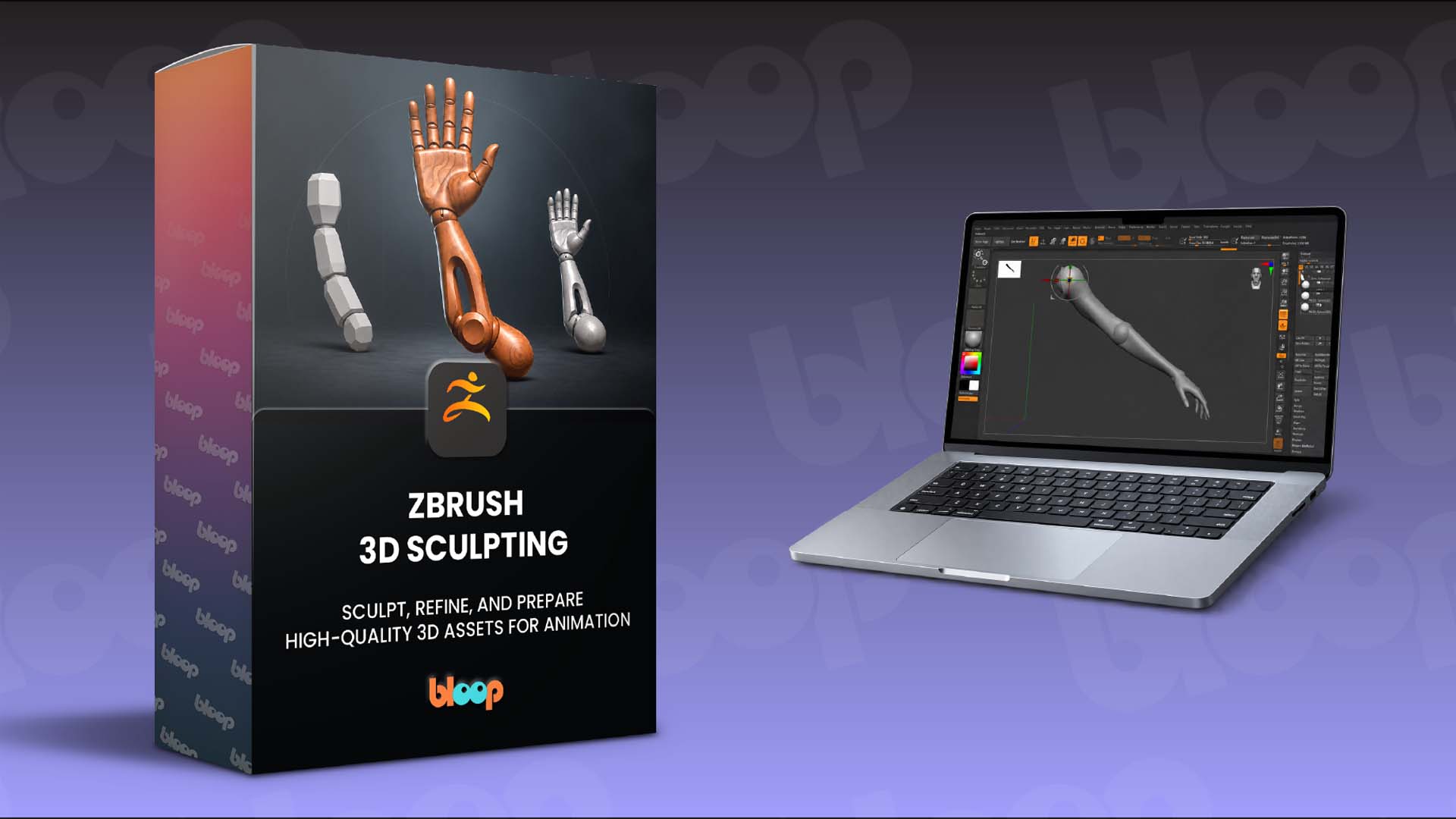
Want to learn more about our ZBrush 3D Sculpting course?
Here’s what you will find in the course:
- A complete sculpting workflow, from reference gathering and initial blockout through refinement and final asset preparation
- Step-by-step lessons using essential ZBrush tools including Dynamesh, SubTools, Move, Clay Buildup, Dam Standard, masking, ZRemesher, and PolyGroups
- A practical approach to building strong forms, creating functional parts, refining surfaces, and preparing a finished 3D asset for production
The course is available for $67 for the next 3 days only! After that, the price goes up to $97 and stays there (Sunday, Sept 27th at 11:59 PM ET).
Use coupon code BLOOP at checkout.
Learn more and get it here → ZBrush 3D Sculpting
I know you might have a few questions about ZBrush 3D Sculpting, so let's answer some of the big ones:
Do I need previous ZBrush experience?
No. The course is designed with beginners in mind. We start with the ZBrush interface, navigation, essential brushes, Dynamesh, and SubTools before progressing into the main sculpting workflow.
What software do I need?
You’ll need ZBrush to follow along with the course. The lessons introduce the core tools and workflows as you use them, so you don’t need to already know your way around the software.
What will I learn during the course?
You’ll learn how to gather and analyze references, establish proportions and primary forms, develop silhouettes and shape language, separate a sculpt into functional components, refine materials and secondary forms, and organize the finished asset for production.
What ZBrush tools will I use?
You’ll work with tools and features including Move, Clay Buildup, Smooth, Dam Standard, Dynamesh, masking, Extract, Gizmo 3D, ZRemesher, PolyGroups, Decimation Master, and more throughout the project.
Is the course only about learning the software?
No. Alongside ZBrush, the course covers the artistic and production thinking behind 3D asset creation, including reference analysis, proportions, material studies, design hierarchy, functionality, readability, and preparing assets with animation in mind.
What will I have by the end?
You’ll have worked through a complete project from initial research and blockout to a refined, organized, export-ready asset, while building a solid foundation in ZBrush and production-focused 3D sculpting.
Further details on ZBrush 3D Sculpting to follow.
As always, if you have the All-Access Pass, the course should now be synced to your account on page 8. It can take a little bit of time, so please bear with us as we update your account. |